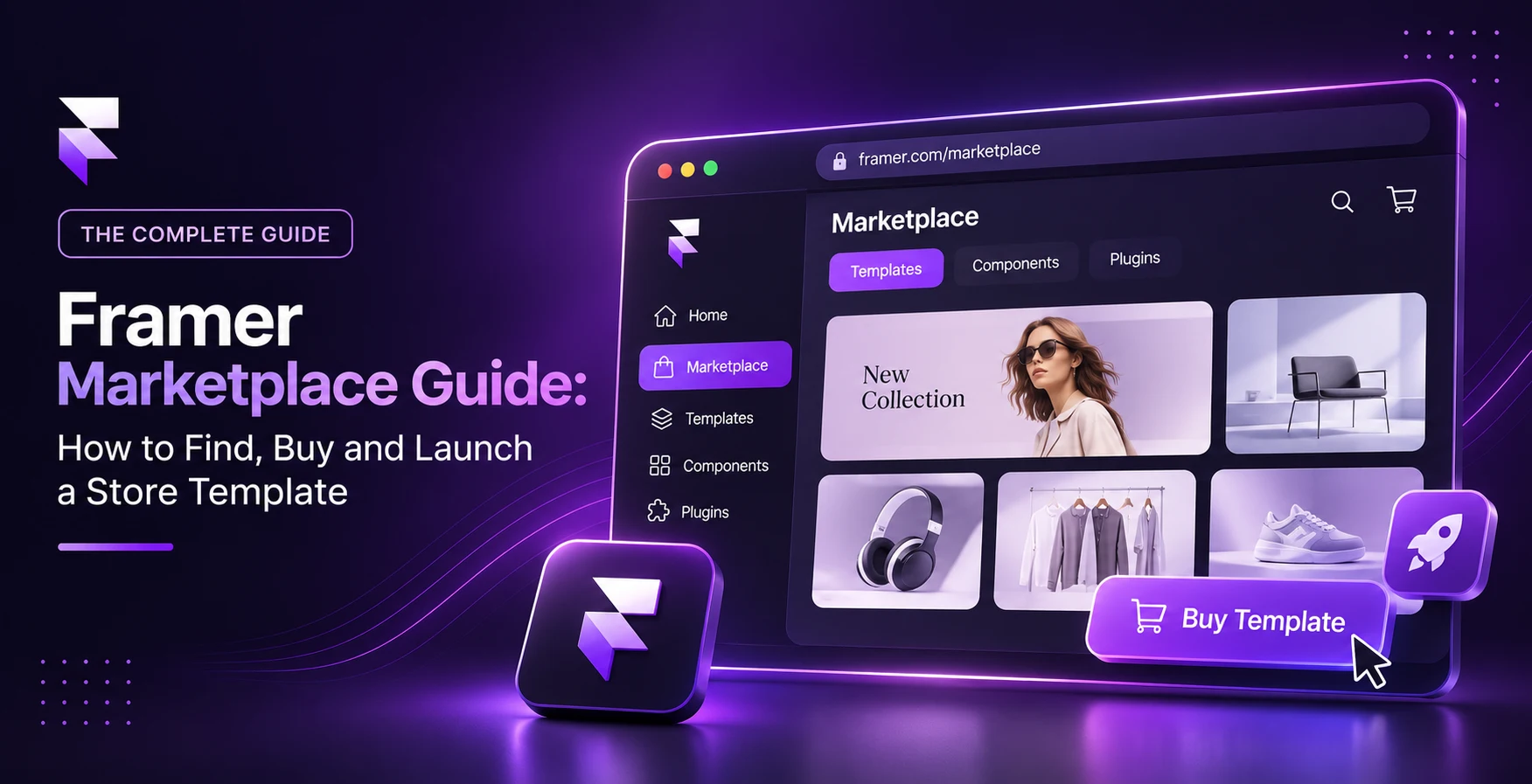
Framer Marketplace Guide: How to Find, Buy and Launch a Store Template
How the Framer Marketplace works: find a store template, buy or remix it, connect WooCommerce or Shopify, and go live. Plus refunds, licenses and selling.

TL;DR
- The Framer Marketplace is where independent creators publish templates, plugins and components for Framer. Free templates copy into your workspace with one click. Paid ones are bought from the creator, who emails you a remix link.
- Framer doesn't take payments or give refunds for Marketplace items. The creator does, so read their refund policy and license before you pay.
- Most Marketplace templates are just designs. A store template only becomes a store when it's connected to a commerce backend like WooCommerce or Shopify.
- FeCommerce store templates come with the product, cart and checkout components already placed. Most of them are free.
- Selling your own templates? Framer says creators keep 100% of paid sales, and every submission is reviewed first.
Type "store" into the Framer Marketplace search and you'll get dozens of results. Many look great in the preview. Fewer can actually take an order.
That gap catches a lot of people. Someone remixes a gorgeous shop template, spends a weekend swapping in their own photos, and only then finds out the "Add to cart" button is a link to nowhere. The design was a store. The project wasn't.
This guide covers the whole path: how the Marketplace works, how to judge a store template before you commit to it, what happens after you buy, and how to get from remix to a live shop. There's also a short section on the other side of the Marketplace, for anyone who wants to sell.
What is the Framer Marketplace?
The Framer Marketplace is Framer's community library of ready-made templates, plugins and components, built by independent creators rather than by Framer itself. Free items open straight in your workspace. Paid templates are sold by the creator, and you get access through a remix link that copies the full project into your account.
You'll find four main things there:
- Templates. Complete website projects, from one-page portfolios to fourteen-page stores.
- Plugins. Tools that run inside the Framer editor, like an SEO checker or a catalog sync.
- Components. Drop-in pieces such as a mega menu or a product gallery.
- Creator profiles. Every item links back to the person or studio behind it, so you can see their other work and how to reach them. Ours is listed under FeCommerce.
Free vs paid Framer templates: what actually changes
The design quality doesn't split neatly along price. Some free templates are excellent and some paid ones aren't. What changes is how you get the template and who you deal with if something goes wrong.
| Free template | Paid template | |
|---|---|---|
| How you get it | Click Remix on the Marketplace. It opens in Framer and lands in your account. | Check out on the creator's site. The creator emails you a remix link. |
| Who handles payment | No payment | The creator, not Framer |
| Refunds | Not applicable | Set by the creator. Some refund for bugs, some don't refund once a template is remixed. |
| License | Check the listing | Varies. Some creators allow one live site per purchase, others sell an extended license. |
| Support | Usually best-effort | Through the creator's support email or the Contact creator link |
Framer's own help docs are clear on this: Framer does not process Marketplace payments or issue refunds. If a creator goes quiet for about a week, Framer support can help you reach them, but they can't approve a refund themselves.
How to judge a store template before you remix it
A template preview is a sales page. It's built to look good at 1440 pixels wide with perfect product photos. Before you commit, spend ten minutes checking these:
1. Is there a real backend, or just a layout?
Read the description for words like WooCommerce, Shopify, Stripe or "checkout". If the listing only talks about layout and animation, the cart is probably a mockup. That's fine for a lookbook or a pre-launch page. It's not fine if you need to ship orders next month.
2. How many pages, and which ones?
A store needs more than a homepage. Look for a shop page, a product page, a cart, and the boring ones too: shipping, returns, contact, FAQ. Rebuilding those yourself takes longer than people expect.
3. Is the catalog in the CMS?
Products should live in CMS collections, not hand-built pages. If every product is its own static page, adding your 41st product means duplicating and editing page 40. Fe Vesture, for example, runs a hundred products across fifteen CMS categories, so the shop grid fills itself as you add items.
4. Open the preview on your phone
Most shoppers will see your store on a phone. Open the live preview on yours and try to "buy" something. If the product page falls apart on mobile, so will your conversion rate.
5. Check the creator, not just the template
Click through to the creator profile. Do they ship updates? Do they list a support email? Is there a refund policy you can read before checkout? A template is a starting point you'll live with for years, so the person behind it matters.
How to launch a store from a Framer Marketplace template, step by step
Here's the full path from "I like this template" to a store that takes money. Budget an afternoon if your products are already in WooCommerce or Shopify.
Step 1: Decide where your products live
Do this before you pick a template, not after. FeCommerce templates are built for one of two backends, and the choice shapes everything else:
| WooCommerce | Shopify | |
|---|---|---|
| Plugin | FeCommerce (free) | Shopify Connect (free) |
| How it connects | Free FeCommerce Bridge plugin on WordPress, plus a short approval code | Shopify's Headless sales channel |
| Checkout | On your Framer page, with Cash on Delivery, Stripe or Paystack | Shopify's own checkout |
| Good fit if | You're already on WordPress or want to avoid monthly platform fees | You're already on Shopify or want its apps and fulfillment |
Selling one product or a digital download? You may not need a backend at all. StripeKit's Buy Now checkout handles single-product sales on its own.
Step 2: Find the template on the Marketplace
Search the Marketplace for "store", "shop" or your niche ("skincare", "fashion"), or go straight to a creator profile you trust. The FeCommerce profile lists every template we've published, along with the backend each one uses.
A quick map of what we've published:
| Template | Backend | Built for |
|---|---|---|
| Fe Advaita | WooCommerce | Slow fashion and editorial labels |
| Fe Blend | WooCommerce | Fashion brands that publish content (fourteen pages, filter drawer, journal) |
| Fe Vesture | WooCommerce | Minimal clothing labels with a large catalog |
| Fe Pure | WooCommerce | Skincare brands (sage and cream, filterable shop grid) |
| Fe Luxe | WooCommerce | Bags and carry goods with bestseller carousels |
| Fe Brilliance | Shopify | Bridal, knitwear and fashion brands (21 pages, including Stockists and FAQ) |
| Fe Skiniora ($19) | Shopify | Editorial skincare on live Shopify data |
| Fe Autumn ($24) | Shopify | Warm, seasonal fashion |
| Fe ArtHouse ($24) | Shopify | Artists and galleries selling original work |
| Fe Cielo ($24) | Shopify | Soft, understated womenswear with a styling journal |
| Fe Spectra ($24) | Shopify | Bold streetwear, bags and accessories |
| Fe Lusion ($24) | Shopify | Luxury labels with a cinematic video hero |
| Fe Gownora ($34) | Shopify | Atelier-style bridal and wedding-gown keepsakes |
Step 3: Remix it (or buy, then remix)
For a free template, click Remix. The project opens in Framer and is saved to your account. For a paid one, you check out on the creator's site, then open the remix link they email you. Same result: a full copy of the project in your workspace that you're free to edit.
If the email doesn't show up, check spam first, then contact the creator with your receipt. Don't buy it twice.
Step 4: Connect your real products
This is where a template stops being a picture of a store.
- WooCommerce: install FeCommerce in Framer and the FeCommerce Bridge plugin in WordPress. Click Connect store, approve the short code in WordPress, and choose whether to sync products into Framer CMS or pull them live via the API. No API keys to copy around.
- Shopify: install Shopify Connect and link your store through Shopify's Headless channel. Variants, stock and checkout come straight from Shopify.
Because the product, cart and checkout components are already placed and bound in our templates, there's nothing to wire up page by page. Your products appear where the demo products were. The Framer ecommerce kit guide covers this connection step in more detail.
Step 5: Make it yours
Change fonts and colors in the project styles first, so the change carries through every page at once. Then do photography. Then copy. People usually do this backwards, editing headlines on page one while the brand color is still the template's sage green.
One thing worth keeping: the page structure. The demo's product page layout was chosen for a reason. Change the look freely, but think twice before you move the Add to cart button below the fold.
Step 6: Check SEO, test, publish
Before launch, run the free SEO Toolkit on your product and collection pages. Fix the titles, add product schema, and run a Lighthouse audit while you're still in the editor. Then place a real test order on your phone, connect your domain, and publish.
Common mistakes we see with Marketplace templates
- Picking the template before the backend. A Shopify-only template doesn't help a WooCommerce store, however nice it looks.
- Ignoring plan limits. Big catalogs and lots of CMS items can push you onto a paid Framer site plan. Check the plan before you import 2,000 products.
- Keeping demo content live. Search engines do index "Lorem ipsum" product pages. Delete demo CMS items before you publish.
- Not reading the license. Building three client stores from one purchase may break the creator's terms. Ask if you're unsure. Most creators answer fast.
How to sell templates on the Framer Marketplace
If you're on the other side of this and want to publish templates, here's how it works today:
- Build something original. Framer's requirements say templates must be unique and can't reuse sections or components from other templates.
- Submit it for review. There's a first check against the basic requirements, then a detailed review by the Marketplace team. Framer estimates around a week for the first stage.
- Set your price and checkout. Paid templates are sold through your own checkout, and you deliver the remix link to buyers. Framer says creators keep 100% of paid template revenue.
- Earn on free templates too. When someone upgrades to a paid Framer plan through your template's remix link, you earn a referral share. That's why so many good templates are free.
A practical note from publishing our own: write the listing for the buyer's question, not your design story. "Runs on live Shopify data with real variants and checkout" sells more templates than "a cinematic editorial experience".
Start with a template that already sells
If you want a store and not just a shop-shaped website, start from a template that's already connected. Remix Fe Advaita for free, connect your WooCommerce catalog, and you can have real products on the page this afternoon. On Shopify? Pick one of the Shopify templates on the FeCommerce profile instead. Need something custom? Our team builds custom Framer stores too.
FAQs
What is the Framer Marketplace?
It's Framer's library of templates, plugins and components made by independent creators. Free items remix straight into your workspace. Paid templates are sold by the creator, who sends you a remix link after checkout.
How do you use a Framer template after buying it?
Open the remix link the creator emails you. It copies the whole project into your Framer workspace, where you can edit text, styles, layouts and components like any other project, then publish it on your own domain.
Does Framer give refunds for Marketplace templates?
No. Refunds are handled by the creator under their own policy. If they don't reply after about a week, contact Framer support with your receipt and they'll help you reach the creator.
Are Framer Marketplace templates free?
Many are. Prices vary by creator. Most FeCommerce store templates are free to remix, and a few premium Shopify builds, like Fe Skiniora, are one-time purchases.
Can a Framer template run a real online store?
Yes, once it's connected to a commerce backend. FeCommerce templates already have the product, cart and checkout components placed, and they run on real WooCommerce or Shopify data.
How do you sell templates on the Framer Marketplace?
Build an original template, submit it for review, and once it's approved it appears on your creator profile. You keep 100% of paid sales, and you can earn a referral share when buyers upgrade to a paid Framer plan.