The Best Free Framer SEO Plugin: How SEO Toolkit Scores Every Page
Framer stores your SEO metadata but never scores it. SEO Toolkit is a free Framer SEO plugin that audits every page, flags weak spots, and tells you what to fix.

Ask ten Framer designers about SEO and most will point at Site Settings, shrug, and change the subject. Fair enough. Framer sells itself on design, not search, and the SEO panel it ships with feels like an afterthought bolted on to satisfy a checklist. A title field. A description field. A slug. An OG image. Fill them in, publish, and that's supposed to be that.
Except it isn't. Those fields store what you type without ever telling you if what you typed is any good. A title stuffed past Google's cutoff looks identical to a perfect one. A description that ignores search intent sits there just as calmly as a sharp one. Nothing scores you. Nothing warns you. And so a lot of gorgeous Framer sites launch with SEO that's technically present and practically useless, then wonder where the traffic went.
That is the entire reason the SEO Toolkit plugin exists, and the reason it's worth a look even if you've already tried a couple of the paid options floating around the Framer marketplace.
The problem isn't Framer. It's the blind spot.
Give Framer its due first. Out of the box it generates a sitemap, sets up robots.txt, keeps page speed respectable, and outputs reasonably clean markup. Plenty of platforms handle less. If SEO were only about the technical scaffolding, you could almost coast.
It isn't only about scaffolding, though. The part that decides rankings is the judgment layer: is this title compelling, does the copy actually target the keyword, is the content thin, are the images labeled. Framer has no way to weigh any of that. It's a builder, not a critic. So the moment you need a second opinion on a page, you're on your own, squinting at a preview and guessing.
A form field can hold a bad title forever. It will never once suggest a better one.
A Framer SEO plugin exists to be that second opinion. Not to redesign your site, not to write your content, just to look at the page you're about to ship and tell you, plainly, where it's weak.
What you actually get when you open SEO Toolkit
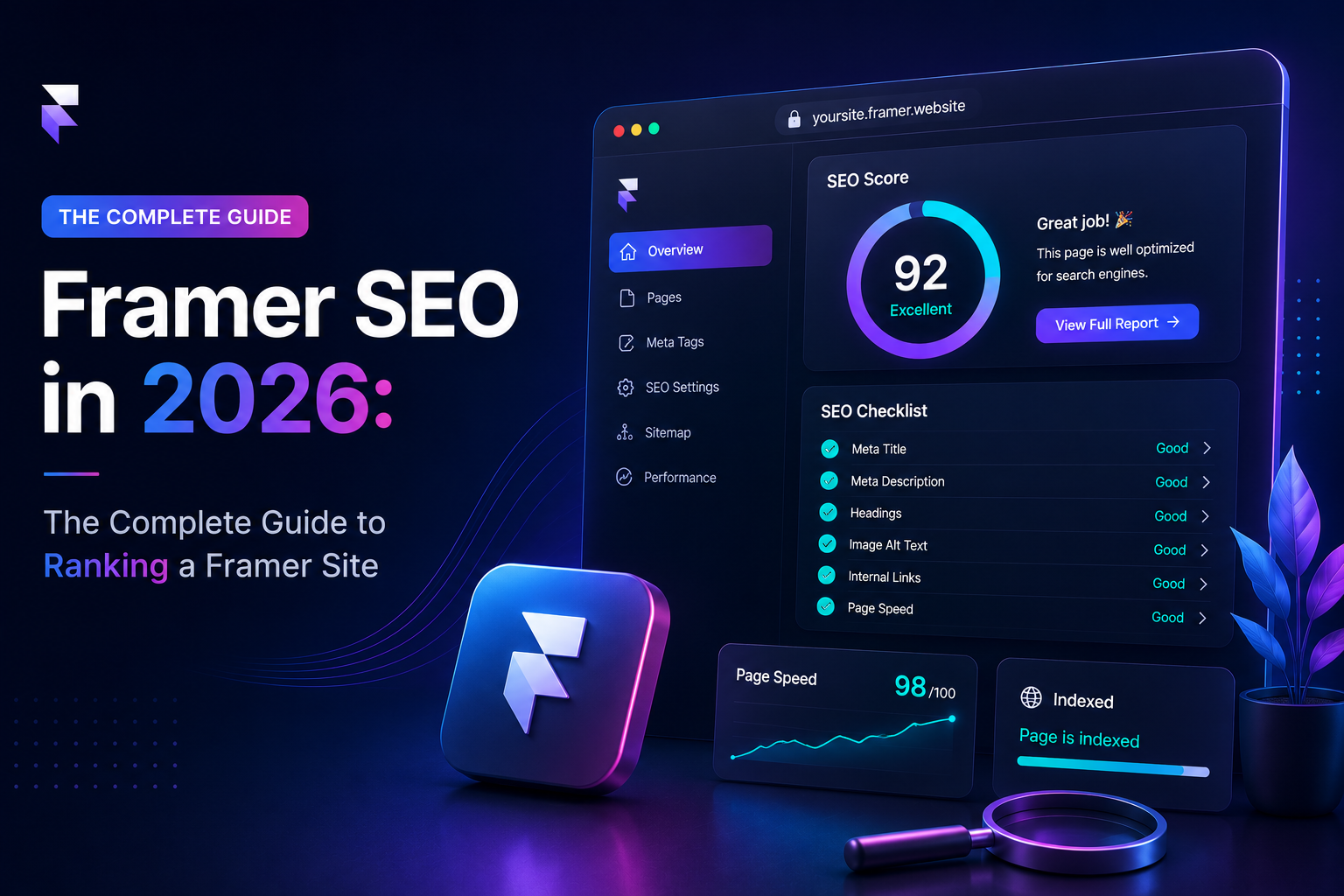
Open the plugin on any page and the first thing you see is a score, zero to one hundred, on a dial that looks like a speedometer. Red at the bottom, green at the top. You didn't sign up for anything. You didn't hit a scan limit. The number is just there, reading the page live off your canvas.
That dial is backed by nine tabs, and each one takes a slice of SEO that Framer otherwise ignores.
The one you'll live in is the Analyzer. Feed it a focus keyword and it checks whether that keyword actually shows up where it counts, the title, the description, the opening paragraph, and whether you've used it a reasonable number of times rather than either forgetting it or hammering it. It has a way of quietly humbling you. You think a page is optimized. The Analyzer finds your keyword once, buried near the bottom, and you realize you'd been optimizing in your head.
Alongside it, the Images tab hunts down missing alt text and, when you save, writes that alt text back onto the Framer canvas for you. No exporting a list, no ticking through elements by hand.
Reporting a problem is easy. Fixing it where you're already standing is the part that saves an afternoon.
The rest round it out. Previews renders an accurate Google result and social cards so you catch a truncated title before your audience does. Schema outputs JSON-LD across eight types with zero code. Technical walks a nine-point checklist. Speed runs genuine Lighthouse audits via Google PageSpeed without asking for an API key, which is more than some paid plugins bother to do.
Free, and it stays that way
Here's the part that reads like a setup for a punchline. All of that is free. Not free-until-you-need-it. The scoring, the analyzer, the schema builder, the previews, the speed audits, none of it is hiding behind an upgrade prompt.
That's unusual enough to be worth stating plainly, because most tools in this corner of the marketplace hand you a taste and then ask for a card. A free Framer SEO plugin that simply keeps working is rare. FeCommerce, the studio behind it, publishes a whole handful of free Framer plugins, so this one isn't bait for an upsell. It's just their pattern.
Set expectations honestly, though. This won't research keywords for you, won't chase backlinks, won't track your rankings over time. Reach for Ahrefs or similar when you need that. SEO Toolkit stays in its lane: on-page auditing, inside Framer, so a page doesn't quietly undermine itself. Within that lane, a free tool this thorough is genuinely hard to find.
Running a page through it, from open to publish
The word audit scares people off. It shouldn't. There's no report to interpret and no jargon to decode.
Install it from the Framer Marketplace, one click, no cost. Open it on the page you're building and it immediately reads the canvas: your headings, your images, your word count. The score lands right away.
From there you work the tabs in order. Start on Overview, move to the Analyzer and enter your focus keyword, then clear whatever it flags. Swing through Images and save your alt text. Look at Previews to be sure your snippet isn't getting cut off somewhere awkward. Generate the schema. Run the technical list, then the speed check. Somewhere along the way the number climbs, often by twenty or thirty points, and the useful part is that you can see precisely which fix earned which jump.
The target was never a flawless hundred. It's knowing what a seventy-nine is costing you.
One thing people miss: the plugin doesn't push changes into your site for you, except for alt text. You take the finished title, description, slug, OG image, and JSON-LD and paste them into Site or Page Settings yourself. It does hold your drafts per page in the browser, so stepping away mid-audit won't lose your work.
Running a big CMS build? You don't have to grind through every entry. The plugin reads the active page including CMS template pages, so you audit the template once and each entry carries that structure forward.
How it stacks up against the paid crowd
No pretending it's the last tool you'll ever install. If autoblogging or AI-written drafts are what you're after, something like Arvow reaches further. If you want dashboards and rank tracking sitting in one place, heavier suites exist, and they'll invoice you for the privilege.
But when the actual need is a Framer SEO checker that scores a page, surfaces the obvious errors, and asks for nothing in return, this is where I'd start. It handles the on-page fundamentals that trip up most sites, and it does it without a paywall standing in the doorway.
Let the dial settle, then decide
Design earns the stay. Search earns the arrival. Framer more or less handles the first on its own, and leaves the second squarely in your hands, which is exactly where a free plugin that scores every page turns into the cheapest safeguard you'll ever add against building something lovely that no one lands on.
Install it, aim it at your shakiest page rather than your proudest one, and let the needle settle. Thirty seconds later you'll have your answer about whether it belonged in your workflow. It usually does. And if the dial keeps landing lower than it should, get in touch and we'll tell you what's holding the page back.
FAQs
1) Is SEO Toolkit really free?
Yes. Scoring, the analyzer, schema generation, previews, and Lighthouse speed audits all run with no paywall, and you don't sign up to see your score.
2) Does it work with Framer CMS pages?
It does. It reads the active page, including CMS template pages, so you audit the template once, and each entry follows the same structure.
3) Do I need to code for the schema feature?
No. The Schema tab produces JSON-LD across eight types and you paste it into Framer's settings.
4) How is this different from Framer's built-in SEO settings?
Framer stores your metadata but never judges it. SEO Toolkit scores the page, flags the weak spots, and tells you what to fix before you publish.
5) Is it the best Framer SEO plugin?
For free on-page auditing and scoring, it's tough to beat. If you also want autoblogging or rank tracking, run it alongside a paid tool, but for on-page mistakes, it covers the essentials.