Framer vs Webflow 2026: Pricing, Ecommerce & Which Is Better
Framer vs Webflow 2026: Framer is cheaper ($10/mo) and faster for design-led sites; Webflow wins for big CMS sites and native ecommerce. Compare pricing, SEO & more.

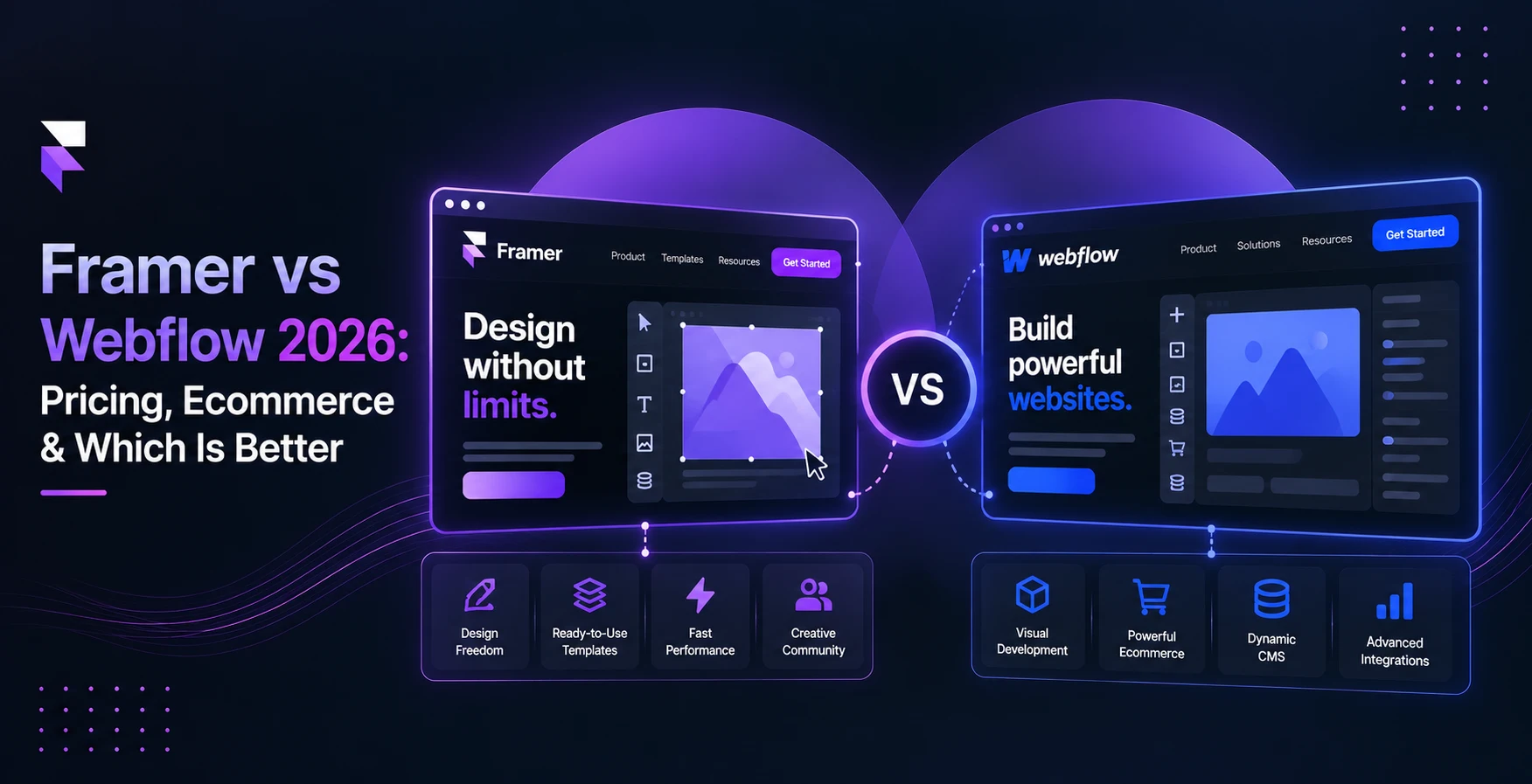
Framer vs Webflow comes down to what you're building. Choose Framer for fast, design-led marketing sites, portfolios and landing pages. It's easier to learn and cheaper to start. Choose Webflow for large content sites, pixel-level layout control or a store with checkout built in. Choose Framer with a commerce plugin for a design-first store when you already run Shopify or WooCommerce.
Both are excellent. Neither is the right pick for everyone.
Disclosure: we build free ecommerce plugins for Framer, so we know both platforms well. Where Webflow is the better fit, we say so.
Below, you'll find 2026 pricing for both platforms, the hidden costs most comparisons skip, and a frank look at ecommerce.
Framer vs Webflow at a glance
How does Webflow compare to Framer? Here's the short version.
| Framer | Webflow | |
|---|---|---|
| Best for | Designers, startups, landing pages, portfolios | Content-heavy sites, agencies, enterprise, native stores |
| Free plan | Yes (Framer subdomain, non-commercial use) | Yes (webflow.io subdomain, 2 pages) |
| Cheapest custom-domain plan | Basic, $10/mo billed yearly | Basic, $15/mo billed yearly (no CMS) |
| Cheapest plan with a real CMS | Basic, $10/mo (2 collections, 1,000 items) | Premium, $25/mo (40 collections, 20,000 items) |
| Native ecommerce | No, needs plugins | Yes, from $29/mo |
| Learning curve | Gentle, Figma-like canvas | Steeper, mirrors HTML/CSS |
| Animations | Built-in effects and components | GSAP-powered interactions, more granular |
| 301 redirects | Pro plan and up | Paid plans |
| Code export | No | Yes, on paid Workspace plans |
| Extra editor seat | $20/mo ($10 content-only) | $39/mo ($15 limited) |
Framer vs Webflow pricing in 2026
Pricing is where most comparisons are out of date. Both platforms changed their plans in the past year, so many guides still list tiers that no longer exist.
Framer plans
Framer's pricing page lists four options: Free, Basic at $10 per month, Pro at $30 per month, and a custom-priced Enterprise plan. Prices assume yearly billing.
You may still see a $100 Scale plan in older guides. Framer cut five plans to three in late 2025, and Scale no longer appears on its public pricing page. Growing sites now expand the Pro plan with add-ons instead.
| Plan | Price (yearly) | Pages | CMS | Bandwidth | Key extras |
|---|---|---|---|---|---|
| Free | $0 | Design pages | Trial limits | 1 GB | 500 AI credits to try |
| Basic | $10/mo | 30 | 2 collections, 1,000 items | 50 GB | Custom domain, 1,000 AI credits/mo |
| Pro | $30/mo | 150 (up to 700) | 10 collections, 2,500 items (up to 40,000) | 100 GB (up to 2 TB) | Redirects, staging, branching, 3,000 AI credits/mo |
| Enterprise | Custom | Custom | Custom | Custom | SSO, SCIM, uptime guarantee |
Webflow plans
Webflow bills in two layers: a Site plan for each site you publish, and a Workspace plan for your team. Most surprise bills come from that split.
The general Site plans are Starter (free), Basic at $15 a month and Premium at $25 a month, billed yearly. Above those sits a Team plan at $2,500 a month that requires an annual contract. Premium replaced the old CMS and Business plans that many guides still quote.
| Plan | Price (yearly) | Pages | CMS | Bandwidth |
|---|---|---|---|---|
| Starter | Free | 2 | 50 items | 1 GB |
| Basic | $15/mo | 300 | None | 10 GB |
| Premium | $25/mo | 300 | 40 collections, 20,000 items | 50 GB, upgradeable to 2.5 TB |
| Team | $2,500/mo | 500 | 100 collections, 20,000 items | Up to 30 TB/yr |
| Enterprise | Custom | Custom | Custom | Custom |
Webflow sells Ecommerce plans separately (covered below). Workspace plans start free. Paid tiers run from $16/mo (Freelancer) to $49/mo (Growth), billed yearly.
Hidden costs: editors, AI credits and add-ons
The sticker price is rarely the final price. Watch these four costs.
Editor seats.
- Framer: extra editors are $20 a month, content-only editors are $10, and viewers are free.
- Webflow: full seats are $39 a month and limited (content) seats are $15, billed yearly.
For a team, this can matter more than the plan price.
AI credits.
- Framer includes 1,000 credits a month on Basic and 3,000 on Pro.
- Webflow's credits sit on the Workspace: 200, 300 or 400 a month depending on tier, plus 2,000 extra credits for $20/mo.
- The two platforms count credits differently, so compare by what you can actually generate, not by the raw number.
Localization.
- Framer charges $20 per locale.
- Webflow Localize starts at $9/mo.
Analytics and testing.
- Webflow Analyze starts at $9/mo and Optimize at $299/mo.
- Framer's Convert add-on (A/B tests, funnels) costs $50 per 500,000 events.
What you'll actually pay: three real scenarios
Monthly prices, billed yearly. Payment-processor fees are not included.
| Scenario | Framer | Webflow |
|---|---|---|
| Solo portfolio with a small blog | Basic: $10 | Premium (Basic has no CMS): $25 |
| Startup site, blog, 3 people editing | Pro $30 + 2 editors at $20: $70. Content-only editors: $50 | Premium $25 + 2 full seats at $39: $103. Limited seats: $55 |
| Content site needing 20,000 CMS items | Pro + item add-ons: ~$70. More collections cost extra | Premium: $25 |
Verdict on pricing: Framer is cheaper for small and mid-size marketing sites. Webflow becomes the better deal once you need thousands of CMS items.
Ecommerce: Webflow's built-in store vs Framer with plugins
This is the biggest functional difference between the two platforms.
Webflow Ecommerce: everything in one place
Webflow has native ecommerce: products, cart, checkout and order emails, all inside the Designer.
| Plan | Price (yearly) | Products | Transaction fee |
|---|---|---|---|
| Standard | $29/mo | 500 | 2% |
| Plus | $74/mo | 5,000 | 0% |
| Advanced | $212/mo | 15,000 | 0% |
The 2% fee on Standard is charged on top of Stripe or PayPal processing. Checkout supports Stripe, PayPal and Apple Pay, with automatic tax calculation. You can fully design the cart and checkout pages.
It has limits. Volume discounts, in-store pickup and multi-currency payments are hard to set up. It's a strong option for a small, design-led shop. It isn't a full Shopify replacement.
Webflow Ecommerce pros
- One platform, one bill, one login
- Custom-designed checkout
- No plugins to maintain
Webflow Ecommerce cons
- 2% fee on the entry plan
- Hard caps on product count
- Limited payment gateways and multi-currency support
Selling on Framer: plugins do the commerce
Framer has no checkout of its own, so the sale itself runs through another company's checkout. In practice, there are two routes.
1. Hosted checkout links. A Framer button sends buyers to a Stripe Payment Link, Gumroad or Lemon Squeezy. This is cheap and quick to set up. The checkout happens off your site, so your design ends at the "Buy" button. It works best for digital products and a handful of items.
2. A commerce backend connected to Framer. Plugins sync a Shopify or WooCommerce catalog into Framer, then add product pages, a cart and checkout as design components. With a paid plugin, you pay for three tools: your store platform, Framer and the plugin. Free plugins cut that to two.
Our own plugins are an example of route 2. FeCommerce syncs a WooCommerce or Shopify catalog into Framer CMS or pulls it live, and adds Stripe and Razorpay checkout kits. All plugins are free. One honest caveat: storing synced products in Framer CMS requires the Framer Pro plan or higher.
Which is better for your store?
| Your situation | Better pick | Why |
|---|---|---|
| New store, under 500 products, want one platform | Webflow | Native cart and checkout, no extra tools |
| Already on Shopify or WooCommerce, want a custom front end | Framer + plugin | Keep your backend, inventory and apps; design freely |
| Selling digital products or a few items | Framer + payment links | Lowest cost, fastest setup |
| Need Indian payment methods (UPI) | Framer + Razorpay plugin | Webflow's checkout lists Stripe, PayPal and Apple Pay only |
| 15,000+ products, complex discounts, multi-currency | Neither alone | Use Shopify or WooCommerce as the engine |
Verdict on ecommerce: Webflow wins for an all-in-one store. Framer wins when design matters most and your store already lives on Shopify or WooCommerce.
Design, animations and ease of use
Is Framer easier to use than Webflow? For most people, yes.
Framer feels like Figma. You drag elements onto a free-form canvas, and stacks handle the layout. Effects like scroll animations, hover states and page transitions are a few clicks away. Most designers can publish a polished landing page in an afternoon.
Webflow follows how the web is actually built: boxes, classes, flexbox and grid. That makes the first few weeks harder. Once it clicks, you get exact control over every spacing value and breakpoint. Its interactions run on GSAP, which gives fine timeline control over complex animations.
Templates differ a lot. Framer has more than 12,000 templates, about 7,500 of them free. Webflow has over 11,000, but only around 160 are free.
Verdict: Framer for speed and motion. Webflow for precise, scalable design systems.
CMS and content scale
Both platforms have a visual CMS for blogs, case studies, team pages and product listings. The difference is capacity.
| Framer Basic | Framer Pro | Webflow Premium | |
|---|---|---|---|
| Price | $10/mo | $30/mo | $25/mo |
| Collections | 2 | 10 (up to 40) | 40 |
| Items | 1,000 | 2,500 (up to 40,000) | 20,000 |
Framer's CMS is simpler to navigate. Webflow's supports more field types and deeper references between collections, which helps with complex site structures.
On Framer, extra CMS items cost $20 per 10,000 and extra collections cost $40 per 10, with a ceiling of 40,000 items.
Verdict: For a blog with a few hundred posts, both work. For thousands of pages, Webflow gives you more room for less money.
Is Webflow or Framer better for SEO?
Both handle technical SEO well out of the box: custom titles and meta descriptions, clean URLs, auto-generated sitemaps, Open Graph tags, SSL and fast global hosting.
The differences show up in the details:
- Redirects. Framer only offers 301 redirects on Pro. Webflow includes them on paid site plans. If you're migrating an existing site, this matters on day one.
- Hosting reach. Framer's Basic plan serves from 20 CDN locations, while Pro uses more than 300. Webflow hosting runs on Cloudflare's CDN.
- Scale. Webflow's larger CMS makes it easier to run programmatic or high-volume content.
- AEO. Both now offer AI tools for answer-engine visibility. Webflow's AEO agents are more mature but limited to Team and Enterprise plans. Framer's agents are available on every plan.
Rankings depend far more on your content and links than on the builder. A well-built Framer site will outrank a sloppy Webflow site, and the reverse is also true.
If SEO is a priority on Framer, the free SEO Toolkit scores every page on the canvas, flags weak metadata and generates schema before you publish.
Verdict: Webflow has the edge for large content programs. For marketing sites under a few hundred pages, it's a tie.
AI features in 2026
Both platforms now build full sites from a prompt and let AI agents edit your pages.
- Framer: the AI builds multi-page sites quickly and can write custom code components. You can teach it your brand style with Skills. Its MCP server, free during preview, lets tools like Claude Code and Cursor edit your site.
- Webflow: the AI site builder walks you through structure, sections and theme before generating. Its assistant diagnoses and fixes layout issues. Webflow's MCP server is available on all plans.
AI runs on credits on both platforms. Heavy AI use will push you toward bigger plans or credit packs, so budget for it.
Verdict: Framer is faster from prompt to page. Webflow is more methodical. Try both on your own brief.
Collaboration, lock-in and migration
Collaboration.
- Framer has real-time multiplayer editing, free viewers and paid editor seats, with roles on Pro.
- Webflow has more structured workflows: site-level roles, publishing permissions and, on Team plans, branch staging and approvals.
Lock-in.
- Framer has no code export, so your site lives on Framer hosting.
- Webflow lets paid Workspace plans export HTML and CSS, but CMS content has to be exported collection by collection and forms stop working.
- Neither platform makes leaving painless. Webflow just gives you more of an exit.
Moving from Framer to Webflow (or the other way)
There's no one-click import between the two, and Webflow can't reimport exported code. A typical migration looks like this:
- Audit your pages and URLs.
- Rebuild layouts and components on the new platform.
- Move CMS content in via CSV or API.
- Map every old URL to its new one with 301 redirects.
- Re-check meta tags, schema and internal links before launch.
Treat it like a redesign. Small sites take days. Large CMS sites take weeks.
Framer or Webflow: which should you pick?
Pick Framer if:
- You're a designer, especially one coming from Figma
- You need a landing page, portfolio or startup site live this week
- Motion and visual polish are a priority
- Your store already runs on Shopify or WooCommerce and you want a custom front end
- You want the lowest entry cost
Pick Webflow if:
- You'll publish thousands of CMS items
- You want ecommerce built in, with no plugins
- Your team needs structured roles, approvals and publishing workflows
- You want the option to export your code
- You or your developers think in HTML and CSS
Should you use Framer or Webflow as a freelancer?
- If your clients want fast, good-looking marketing sites they can edit easily, Framer gets you to delivery faster.
- If you build larger content sites or stores, Webflow's Freelancer workspace ($16/mo) and client seats suit client work.
- Many freelancers offer both.
Final verdict
In the Framer vs Webflow debate, there's no universal winner.
- Framer is the faster, friendlier and cheaper way to ship a beautiful marketing site.
- Webflow is the stronger platform for big content libraries, structured teams and stores that want checkout built in.
If you're still torn between Framer or Webflow, ask one question: will this site mostly be designed or mostly be managed? Designed sites lean Framer. Managed sites lean Webflow.
If you choose Framer and want to sell, FeCommerce's free plugins connect WooCommerce, Shopify, Stripe and Razorpay to your Framer site without code.
Frequently asked questions
1) Is Framer better than Webflow?
It depends on the site. Framer is faster for design-led marketing sites and cheaper to start. Webflow wins for large content sites, native ecommerce and fine layout control. Pick by what you're building.
2) Can you build an online store with Framer?
Not natively. Framer has no built-in cart or checkout, so stores run on plugins that connect Shopify, WooCommerce or Stripe. Syncing products into Framer CMS with our FeCommerce plugin needs Framer Pro or higher.
3) Is Webflow or Framer better for SEO?
Both handle the basics well: meta tags, sitemaps, schema and fast hosting. Webflow's bigger CMS suits large content programs. Framer works for smaller sites, but you'll need Pro for 301 redirects.
4) Is Framer easier to use than Webflow?
For most people, yes. Framer feels like Figma, with a free-form canvas and fewer settings. Webflow mirrors how HTML and CSS work, so it takes longer to learn but gives you finer control over layouts.
5) Can I move my site from Framer to Webflow?
Yes, but there's no one-click import. You rebuild layouts in Webflow, move content in, and set 301 redirects to protect rankings. Treat it like a redesign, not a copy-paste.