Framer mega menu component
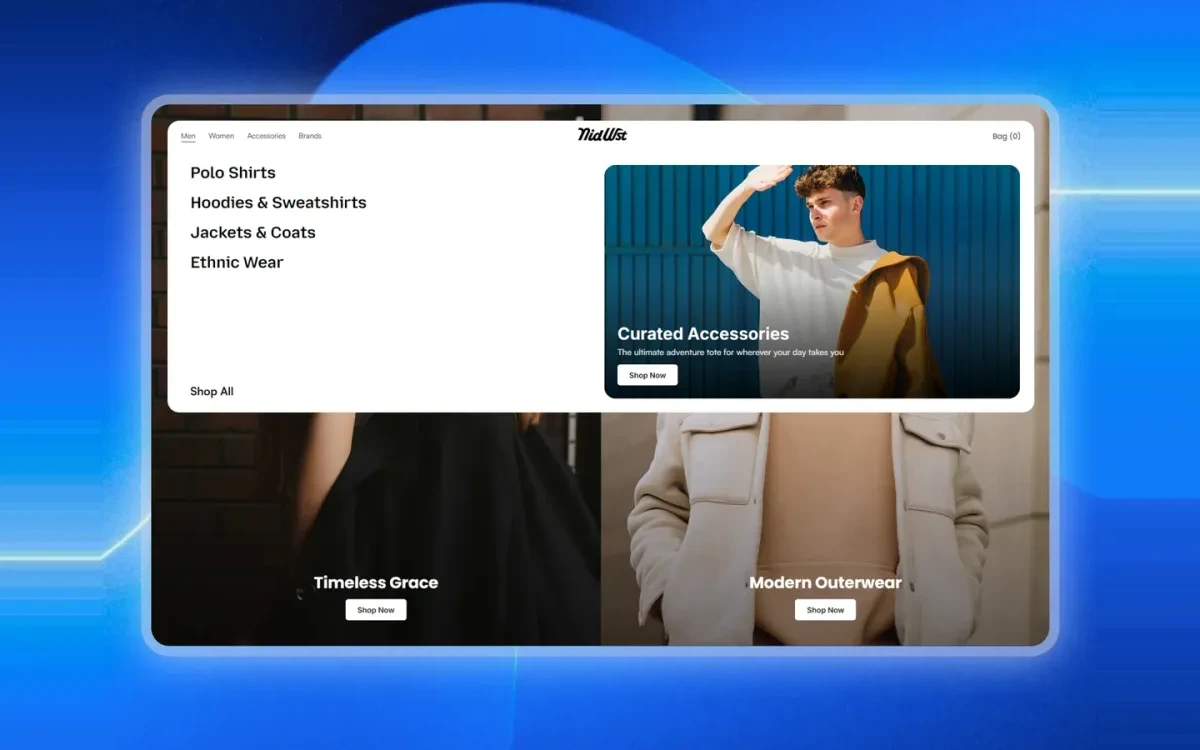
Fe Mega Nav is a multi-column mega navigation built for store headers. Group your categories into columns, add a featured promo panel alongside them, and give a large catalog a header that stays readable, without building the hover, focus and keyboard behaviour yourself.
What you get
Multi-column categories
Group links into as many columns as the catalog needs, each with its own heading, so deep category trees stay scannable.
Featured promo panel
A promo slot beside the links for a seasonal edit, a new arrival or a campaign. It is the merchandising space a plain dropdown has nowhere to put.
Styled on canvas
Spacing, colors, radius and type are exposed as property controls, so it restyles to your brand from the Framer properties panel.
Live in three steps
Insert the component
Add Fe Mega Nav to your project from the Framer marketplace and drop it into your header frame.
Fill in your categories
Set the column headings and links from the properties panel to match your store structure.
Style and publish
Match it to your type and color styles, choose a featured panel image, then publish.
Frequently asked questions
Does it work on mobile?
Yes. The navigation collapses to a mobile-friendly menu on smaller breakpoints, so you do not need a separate component for phones.
Complete your store
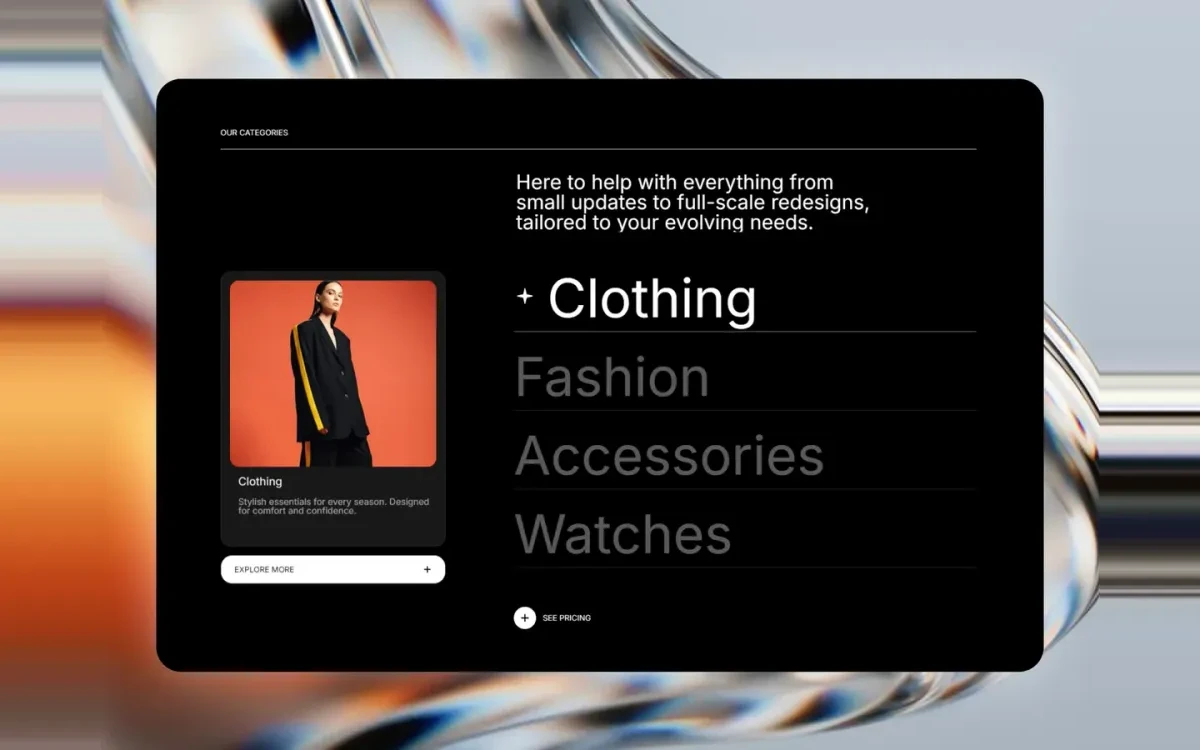
Fe Hover Preview
A category list that swaps a large preview image as you hover each item. Ideal for collection and service sections.
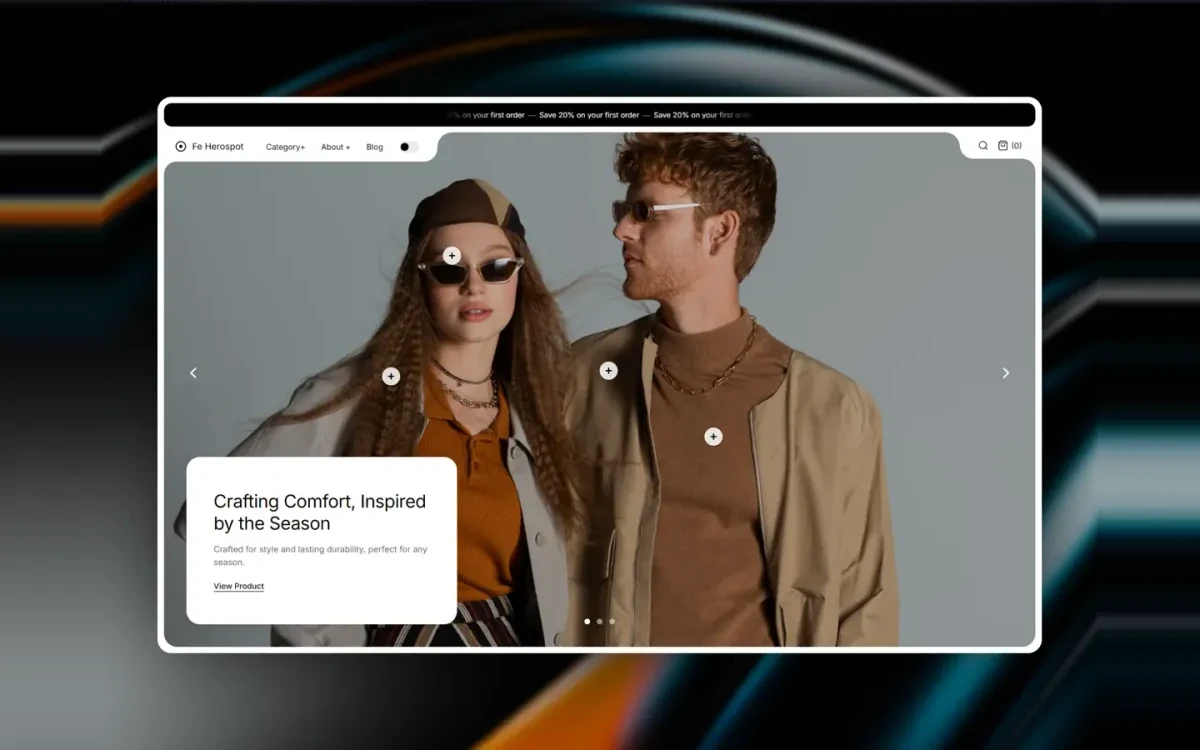
Fe Herospot
A hero section that pairs a full-width lifestyle image with an overlaid product spotlight card and call to action.

FE MissionaryGallery
A responsive masonry gallery with per-tile captions, sized for lookbooks, product grids and brand story sections.
Start with Fe Mega Nav
Free on the Framer marketplace, with free updates.