Framer category hover menu
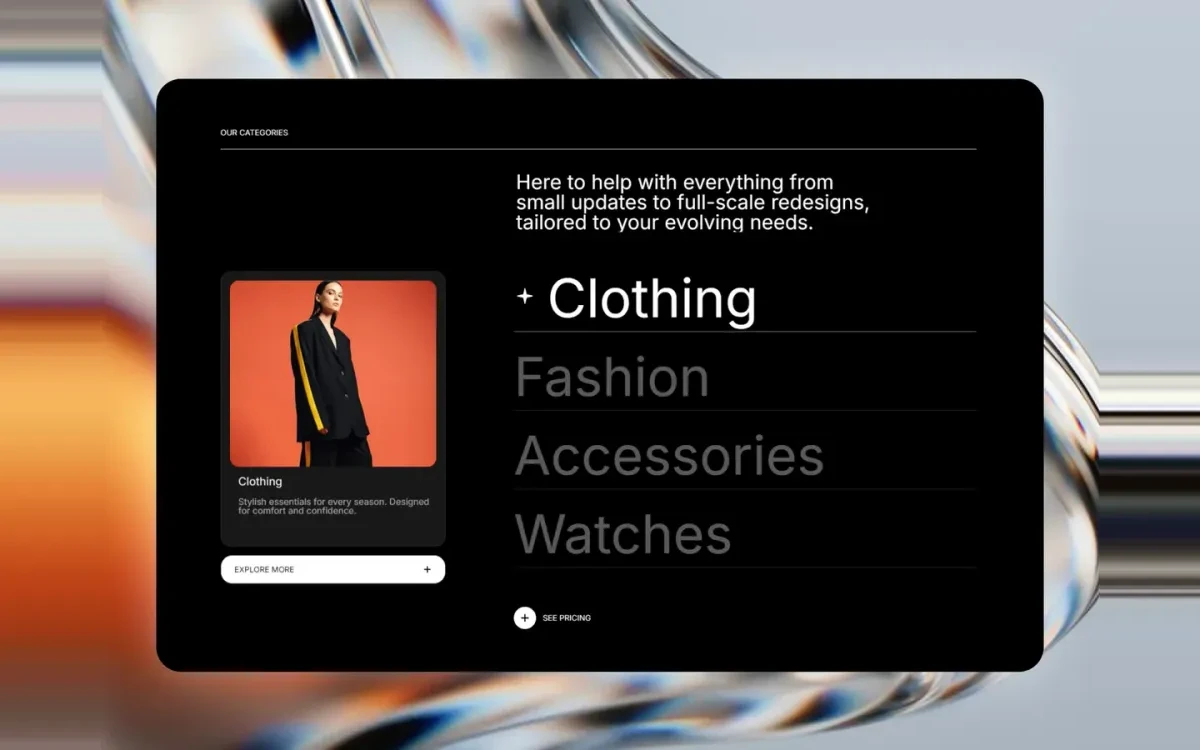
Fe Hover Preview is a category list that swaps a large preview image as you hover each item. It turns a plain list of collections or services into something worth looking at, and gives each category an image without spending a full grid row on it.
What you get
Hover-to-preview
Each list item is paired with its own image, which fades into the preview area as you move down the list.
Built for collections
Sized for category, collection and service lists, the sections where a name alone does not sell the click.
Touch-aware
Falls back to a tappable list with visible previews on touch devices, where there is no hover to trigger the swap.
Live in three steps
Insert the component
Add Fe Hover Preview from the Framer marketplace and place it in your collections section.
List your categories
Add each category name, its preview image and the link it should open.
Style the list
Set the type scale, hover color and preview size to match the rest of the page, then publish.
Frequently asked questions
What does it do on mobile?
Hover does not exist on touch, so the component falls back to a tappable list that keeps each preview image visible rather than hiding it behind an interaction.
Complete your store

Fe Mega Nav
A multi-column mega navigation with grouped category links and a featured promo panel, built for store headers.
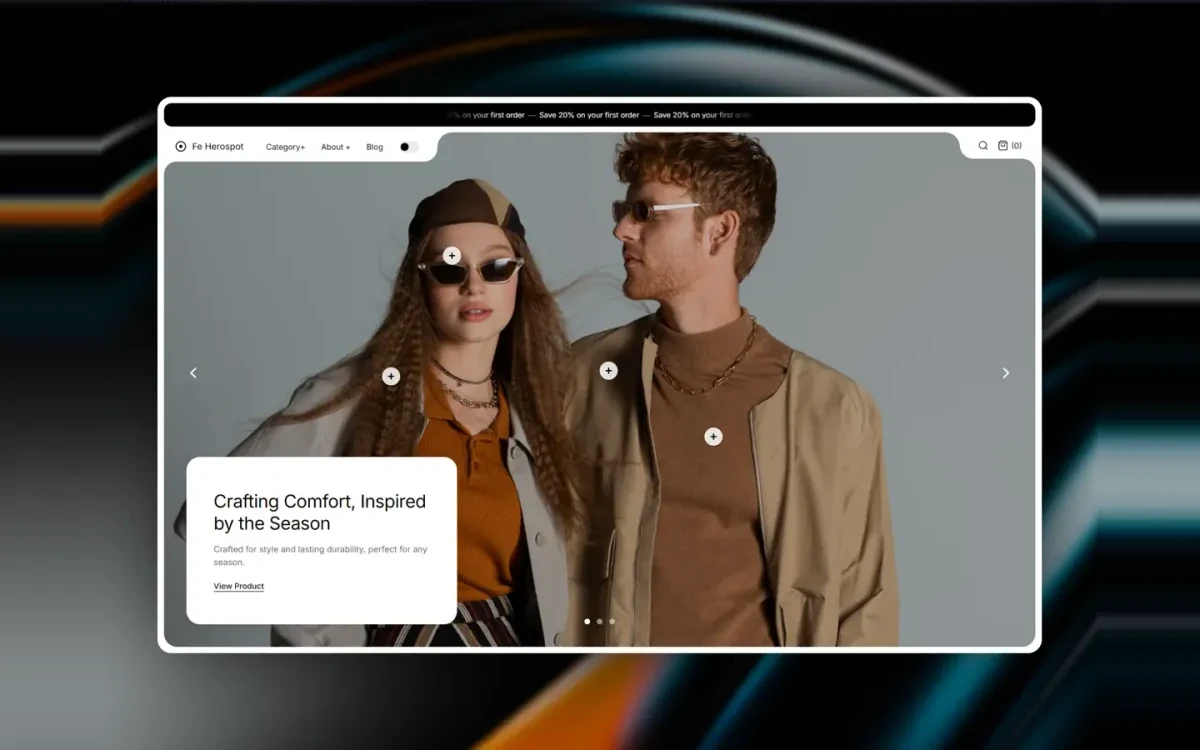
Fe Herospot
A hero section that pairs a full-width lifestyle image with an overlaid product spotlight card and call to action.

FE MissionaryGallery
A responsive masonry gallery with per-tile captions, sized for lookbooks, product grids and brand story sections.
Start with Fe Hover Preview
Free on the Framer marketplace, with free updates.