Framer masonry gallery component
FE MissionaryGallery is a responsive masonry gallery with per-tile captions. Mixed-height images pack into a balanced grid instead of a rigid row-and-column layout, which is what lookbooks, product grids and brand story sections actually need.

What you get
True masonry packing
Images of different heights pack together without the gaps a fixed grid leaves, so you can mix portrait and landscape shots freely.
Per-tile captions
Every tile carries its own caption (product name, collection, credit), so a gallery can do more than decorate.
Responsive by default
Column counts step down at smaller breakpoints, keeping tiles a sensible size on tablet and phone.
Live in three steps
Insert the component
Add FE MissionaryGallery from the Framer marketplace and drop it into your section.
Add your images
Load the tiles with your images and write a caption for each from the properties panel.
Tune the grid
Set column counts, gap and caption styling per breakpoint, then publish.
Frequently asked questions
How many images can it hold?
Add as many tiles as the section needs. As with any long image section, compress your images and let them load lazily so the page stays fast.
Complete your store
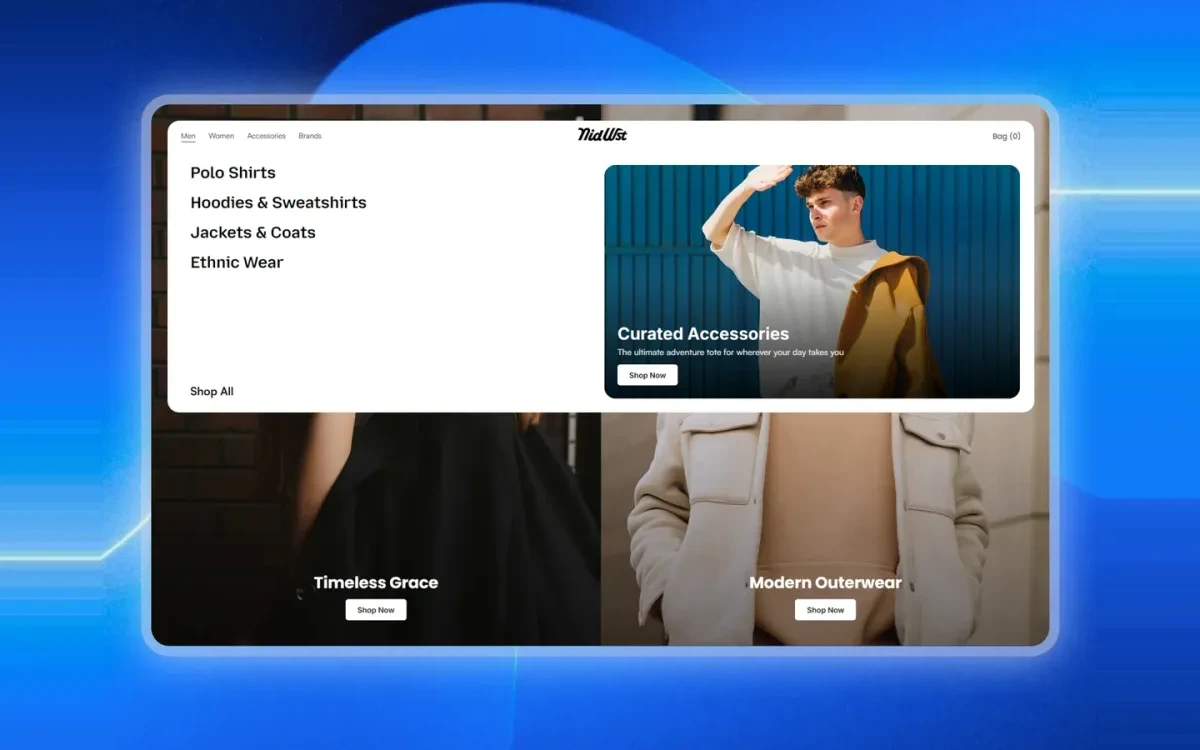
Fe Mega Nav
A multi-column mega navigation with grouped category links and a featured promo panel, built for store headers.
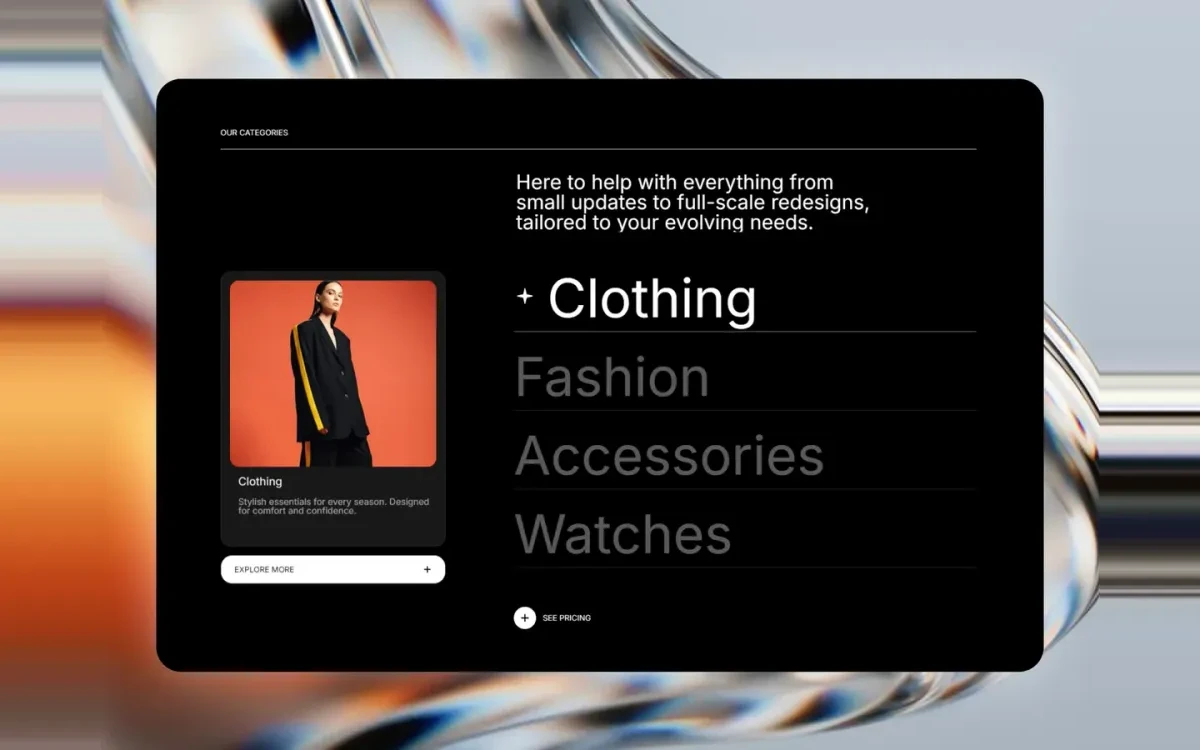
Fe Hover Preview
A category list that swaps a large preview image as you hover each item. Ideal for collection and service sections.
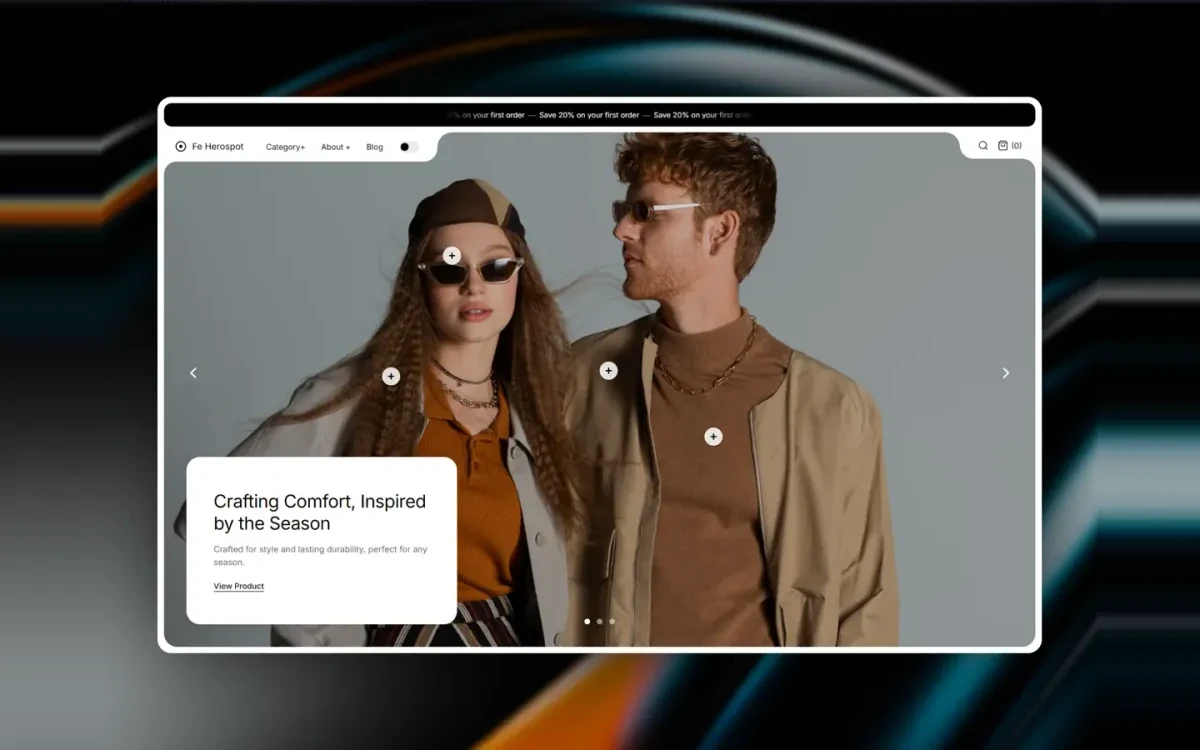
Fe Herospot
A hero section that pairs a full-width lifestyle image with an overlaid product spotlight card and call to action.
Start with FE MissionaryGallery
Free on the Framer marketplace, with free updates.