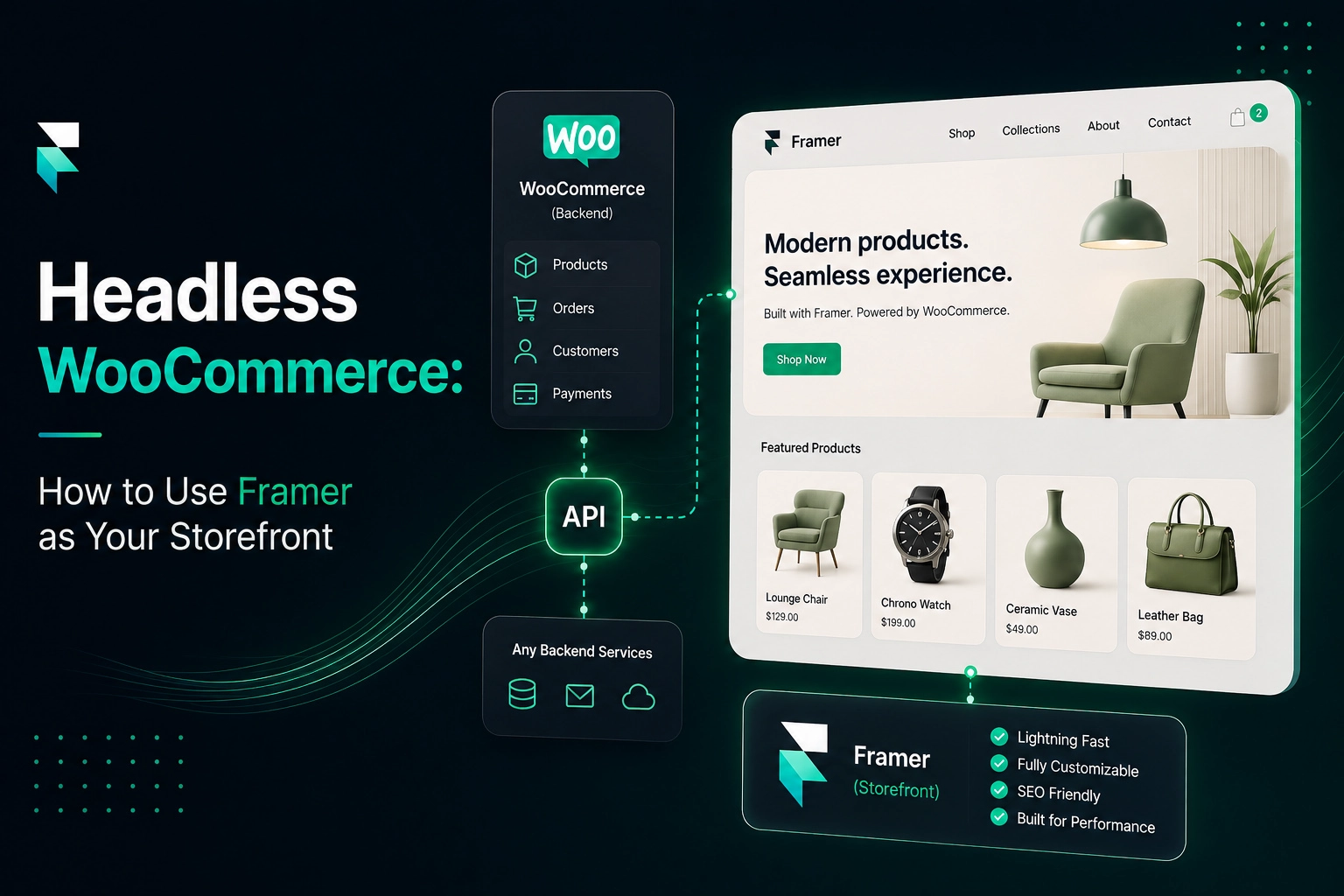
Complete Guide to Building an Online Store with Framer
Thinking of building an online store with Framer? Here's what Framer and Framer CMS are, who they're for, and a step-by-step guide to launching a Framer eCommerce store, no code.

Are you considering Framer to build a fast, fully functional, and scalable eCommerce site? With more than 23,413 companies using Framer, it's a strong choice. Undoubtedly, Shopify and Wix are popular tools to build an online shop, but due to Framer's modern, user-friendly, and design-led interface, people are turning to it. In this blog, we will discuss how to build an online store with Framer and its eCommerce capabilities. It will help you decide whether or not it's the right platform to build your eCommerce website. Let's first start with understanding what Framer is.
What is Framer?
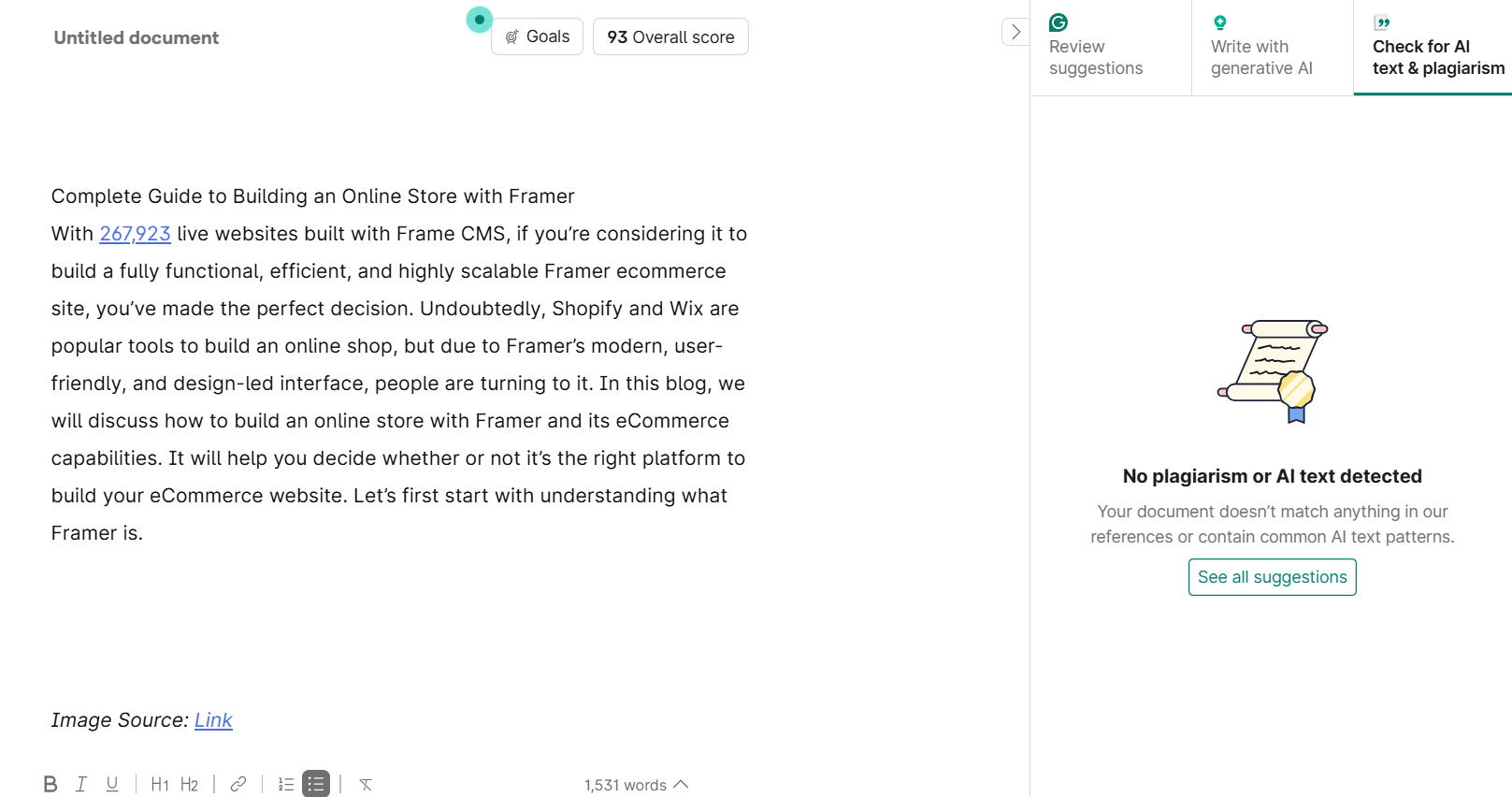
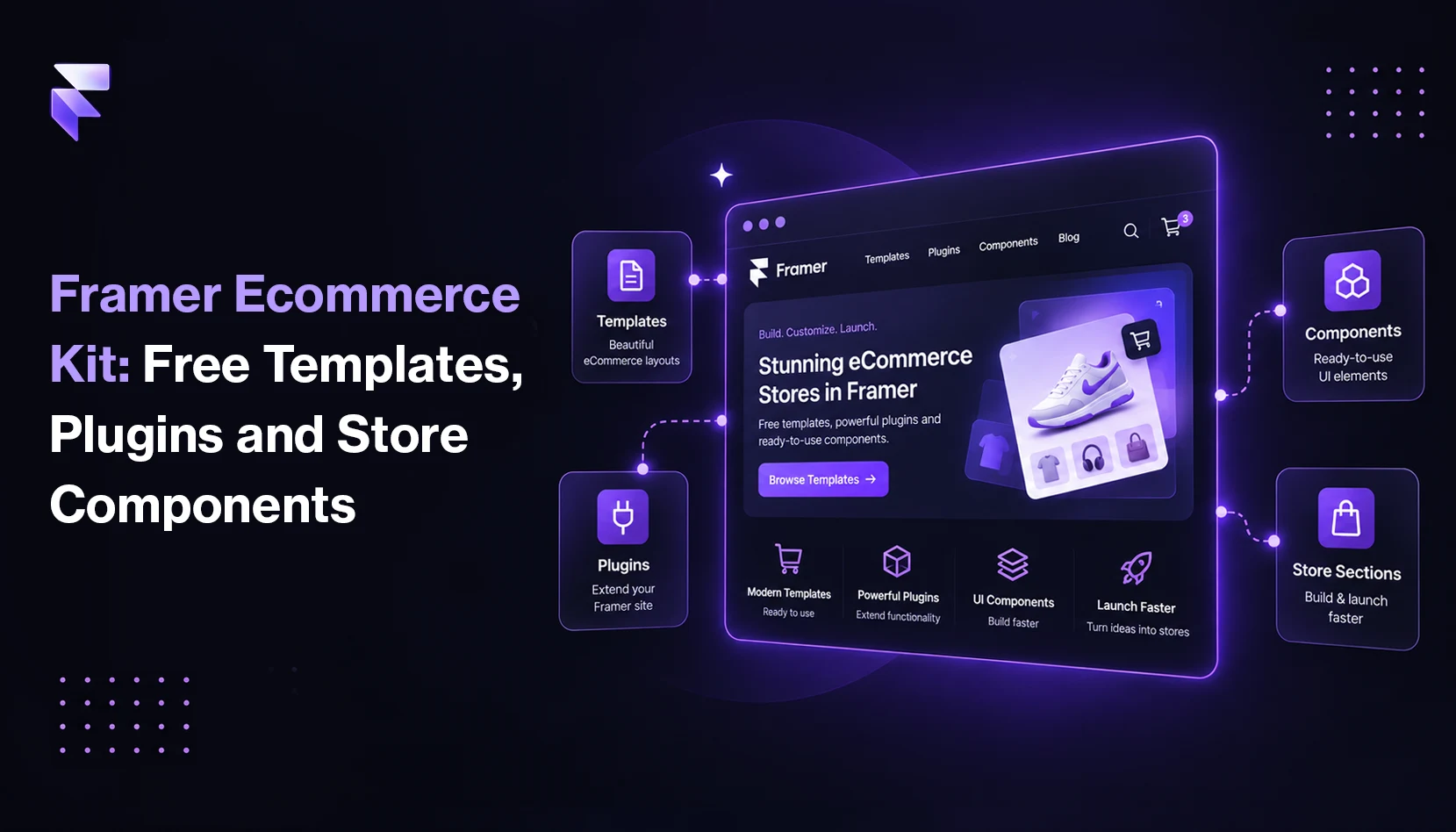
Framer is a robust, no-code, design-first web builder that lets you enjoy pixel-level control over each webpage, animation, and interaction. You can use this to build Framer online shop storefronts that efficiently manage products, process payments, and fulfill orders. Product management, payments, stock, and fulfillment are handled by third-party integrations like WooCommerce, Shopify, and Stripe, not by Framer CMS itself. For example, you need Framer eCommerce plugins like FeCommerce, which turns Framer into a complete WooCommerce storefront. It connects WooCommerce to Framer. Using this plugin, you can sync your products to Framer CMS with one click. After that, you can build dynamic product pages with drag-and-drop components such as product pages, cart pages, buy now buttons, and more.
What is Framer CMS?
Framer CMS is a built-in content management system inside Framer that helps you manage the content on your websites, like product listings, case studies, and testimonials, without editing the layout or design every time.
People are quickly turning to Framer CMS because:
- It offers a no-code environment. Framer handles all the technical side, and you can focus on design and content without getting stuck in code.
- Framer CMS offers centralized editing, as all your content is stored in one place. So, it saves time, reduces mistakes, and keeps your website consistent.
- You can build dynamic pages.
Framer CMS vs Traditional CMS
Here is a quick comparison of Framer CMS and traditional CMS.
| Feature | Framer CMS | Traditional CMS |
|---|---|---|
| Coding Required | No | Sometimes |
| Design Control | Visual and real-time | Template-based |
| Content Structure | Fully customizable | Plugin dependent or fixed |
| Learning Curve | Easy | Steeper for non-tech users |
| Use Case | Design-first websites | Content-heavy websites |
If you're wondering who should use Framer to build an online store, read on.
Who should use Framer to build an online store?
Framer is ideal for building online shops that are fast, scalable, and beautifully designed. If you want full creative control over your online shop's layout, product pages, transitions, and shopping experience, you should use Framer.
Framer is a perfect fit for:
- Designers who want complete design control and don't want to be confined by pre-built templates. As Framer follows a visual-first approach, it lets you design every detail from product pages to interactive elements without writing a single line of code.
- Entrepreneurs who want to launch their customized online store quickly and efficiently. Framer comes with drag-and-drop components and eCommerce templates to reduce your go-to-market time without compromising on quality.
- Developers who love a low-code environment but still want the flexibility to integrate APIs or build custom logic whenever required.
Whether you're building your online store for the first time or scaling from a basic setup, Framer offers you freedom with practical functionality.
Why should you use Framer to build an online store?
Framer is a platform that combines attractive designs with modern eCommerce functionality. Here are the key reasons why Framer stands out for online store builders.
Complete Design Freedom
Framer offers unmatched design flexibility. You don't need to use fixed templates to design your store. You can visually design every part of your Framer ecommerce website from homepage to product pages and checkout flows efficiently without writing a single line of code. You can implement a custom shopping experience that reflects your brand's personality.
eCommerce Integrations
Framer supports a wide range of integrations, so you don't need to rely on heavy development for eCommerce functionality. You can connect WooCommerce to Framer using a plugin like FeCommerce, and even sync your product catalogue and manage subscriptions through plugins like Frameship and ShopiFrame. Tools like StripeKit add Stripe-powered payments to your Framer site. It lets Framer's CMS connect directly to Stripe, which enables secure, real-time payments without writing code. Looking for an all-in-one dashboard experience? Framer has Ecwid for Framer for this. Using these integrations, you can easily build a revenue-ready store.
User-Friendliness
Framer comes with a drag-and-drop editor and an intuitive UI that is perfect for people who are not so tech-savvy and for non-developers. You can use pre-built templates if you come from a non-technical background, and if you have experience, you can add custom JavaScript, third-party tools, and APIs.
Highly Scalable
Framer uses component-based architecture, so as your business grows, Framer grows with it. It means you can easily update your layout and logic as your product catalog evolves. Framer can also serve as a headless front-end, which gives you more control over scalability and content management. Framer also offers fast load times, which are necessary for SEO and a great user experience.
Besides all these, Framer also supports multi-currency, analytics integrations, real-time stock updates, SEO tools, and structured content.
Easy Content Management
In Framer, you can easily manage content, like add or update product information, manage product availability and pricing, and create landing pages without contacting a developer. It reduces support costs and gives clients more ownership of their Framer online shop.
Who should not use Framer?
Framer offers great design flexibility and eCommerce functionality, but it's not perfect for every business. In some scenarios, a traditional or specialized platform may be the better option.
- If you need backend management or deep inventory management, go for Shopify Plus or BigCommerce.
- Are you building a marketplace or multi-vendor platform? If yes, you should choose Magento or Sharetribe, as they're built for multi-vendor marketplaces.
- If you require workflow control or advanced permissions, Framer's current permission model may feel limited.
- Do you need built-in features instead of customization? If yes, tools like Shopify or Wix are the perfect option for you.
- If you're on a tight budget and need native multi-language support at scale, consider a Framer alternative.
How to build an online store with Framer
Here is the step-by-step process to build a Framer eCommerce store.
1. Sign in to your Framer account. If you don't have a Framer account, you can start for free. Note that publishing a custom-domain store on Framer requires a paid plan.
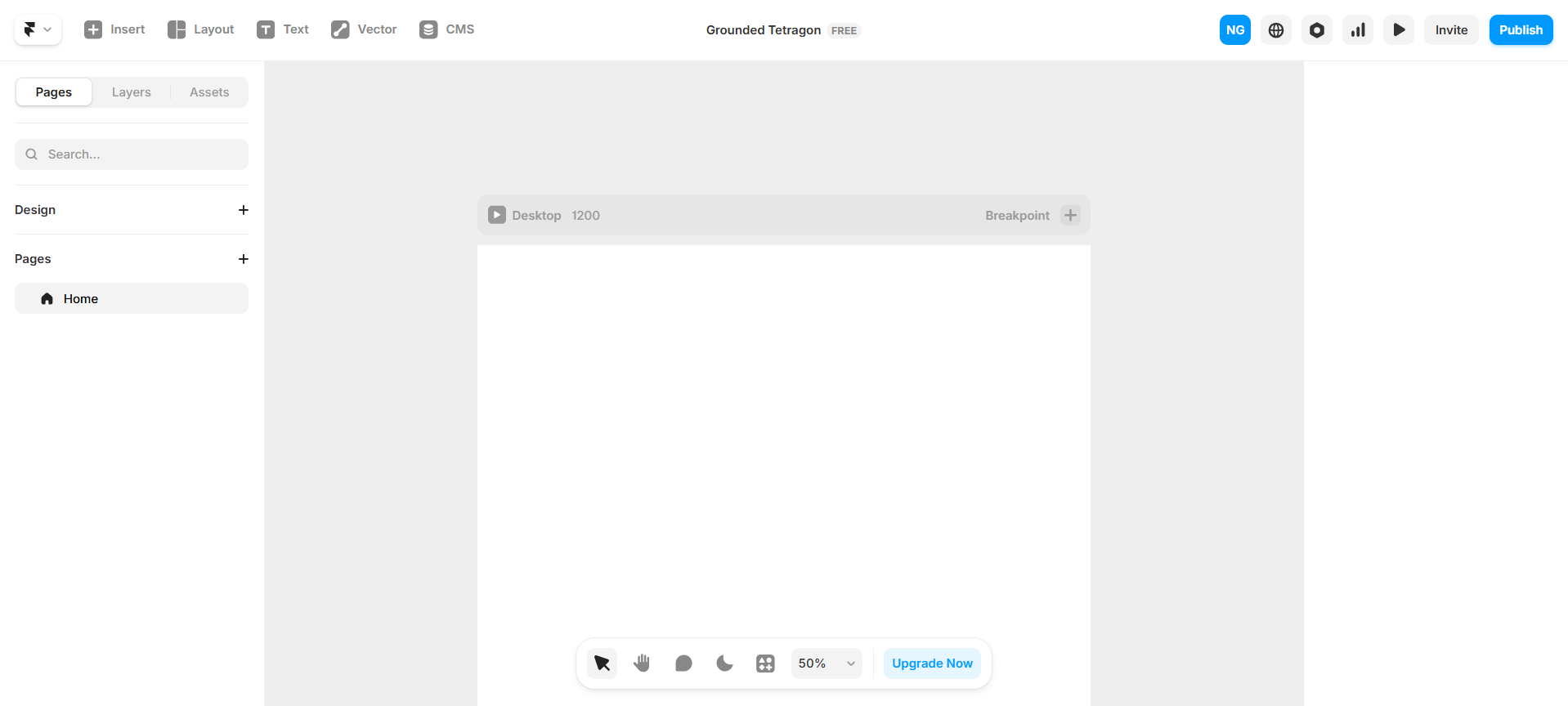
2. After that, you will see a dashboard with pre-built elements. Click on Insert, and you will see various options under Basics like product pages, sections, and navigation.
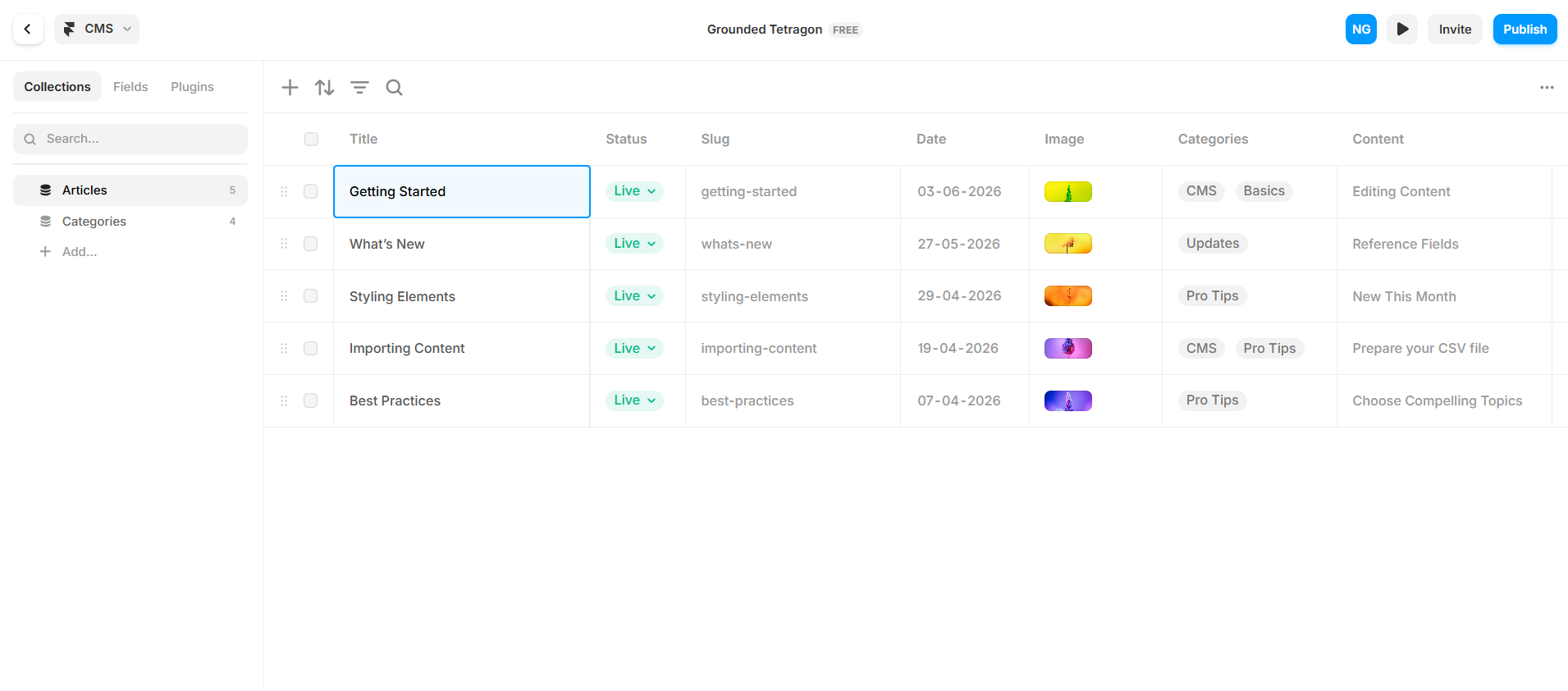
3. Go to CMS to make your entire product catalog. You can add, edit, and manage products here. You can design a completely responsive store using Framer.
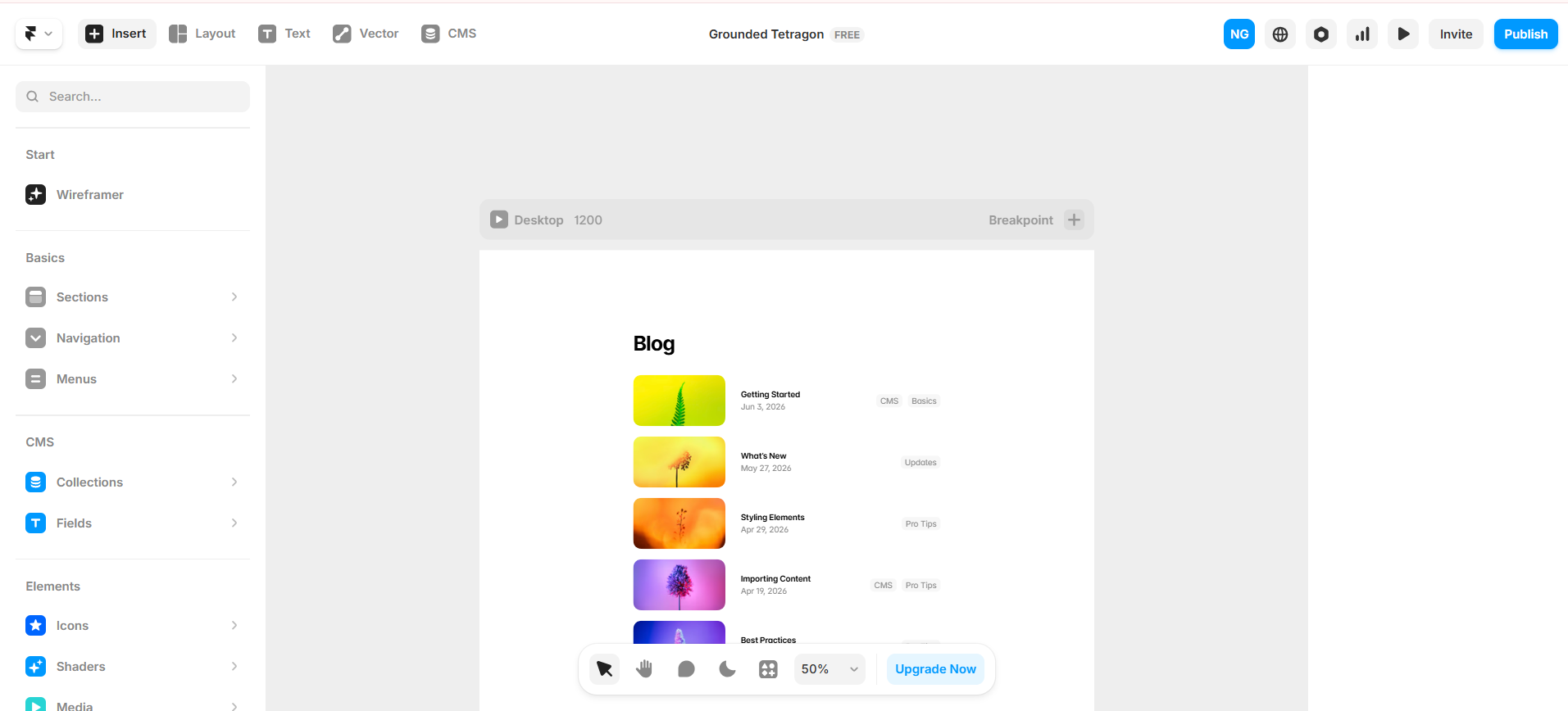
4. If you want to add headers, footers, hero sections, and other sections, click on Insert → Sections and choose the section that you want to add.
5. If you want to add images, go to Layout → Images.
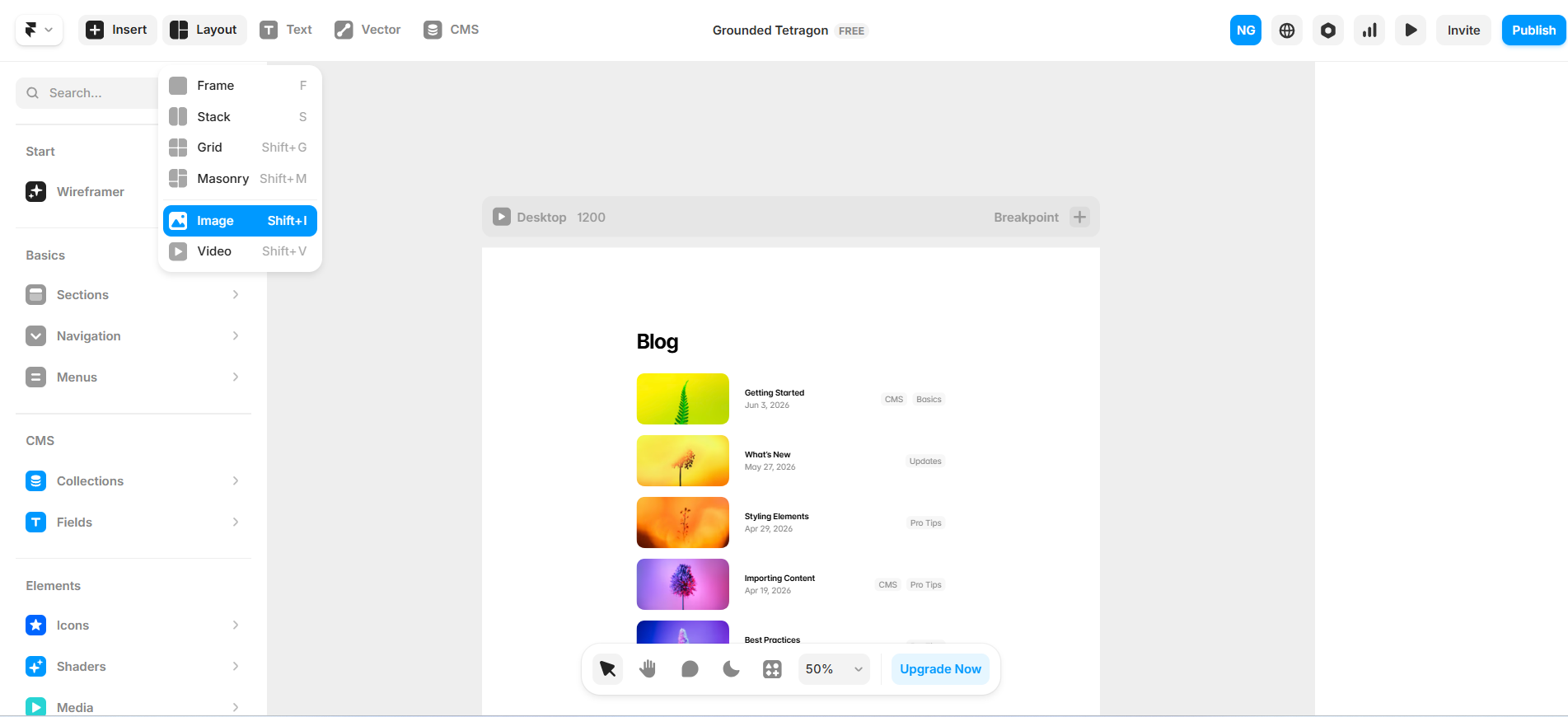
6. Design the homepage, store, and product description page.
7. To connect the product description page with CMS, go to the product description page and right-click on it. Here you will see the option "Convert to CMS page."
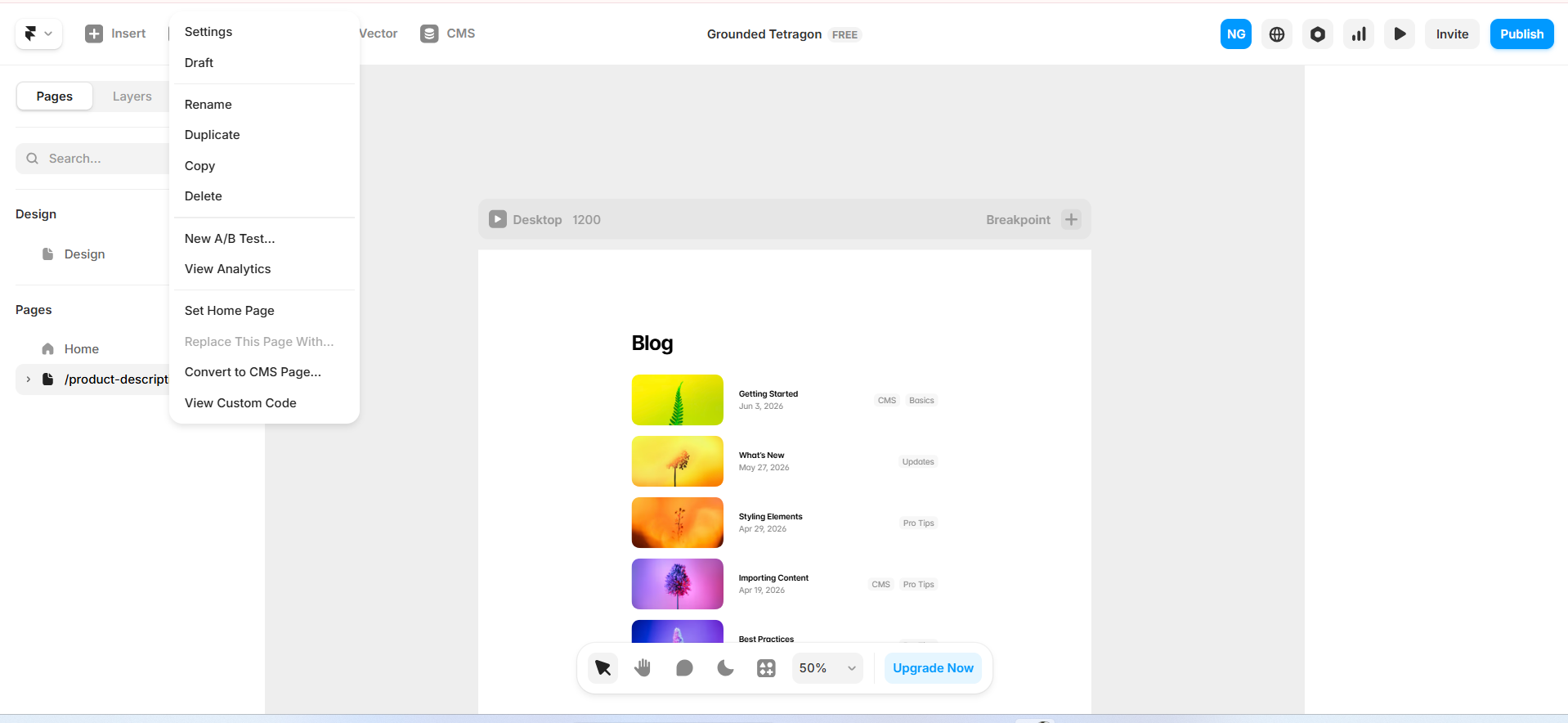
8. Give the collection a name and click Convert, and all details that you've entered into the product description page convert into custom CMS fields.
9. Now, to design the checkout process, you need to connect your payment system with your CTA Buy Now button. For that, use Stripe, Shopify, or another payment system that you use and connect it with the Buy Now button.
Conclusion
You should consider Framer if a custom, visually attractive, engaging, and cutting-edge online store is your priority. Framer lets you enjoy full control over design, seamless integrations, and a quick and flexible development experience, even if you're not a developer. So, choose Framer if you:
- Value design freedom
- Want to launch your store quickly without compromising quality
- Want to build a store that reflects your unique brand identity
If you feel Framer is the right fit for your business, we can help you build a modern Framer eCommerce store with advanced features. Contact us today to book a free 30-minute Framer eCommerce consultation.
FAQs
1) Is Framer a good platform for building an online store?
Yes, Framer is a good platform for building an online store in 2026 because it gives you complete creative control, speed and performance, unique animations, an easy CMS, and headless power by operating as a headless frontend.
2) How do I add products to a Framer store?
To add products to a Framer store, you can use third-party eCommerce integrations like Shopify, Lemon Squeezy, or Gumroad. For smaller, custom inventory, you can create a Framer CMS collection directly in Framer and add products and their descriptions manually.
3) Does Framer support eCommerce functionality?
Yes, Framer supports eCommerce functionality, but not natively. You need to integrate this functionality through third-party tools like Shopify, Stripe, and Framer CMS.
4) How do I add a shopping cart to a Framer website?
To add a shopping cart to a Framer website, you should use plugins like FeCommerce.