Shopify Storefront Plugin for Framer
Shopify Connect brings your Shopify store into Framer and lets you build a complete, fully custom storefront without leaving the design tool. Sync your catalog into the Framer CMS in one click, or pull products live via the Storefront API, then assemble product pages, listings, cart and checkout with ready-made, drag-and-drop components. No themes, no code.
A real Shopify store, designed in Framer
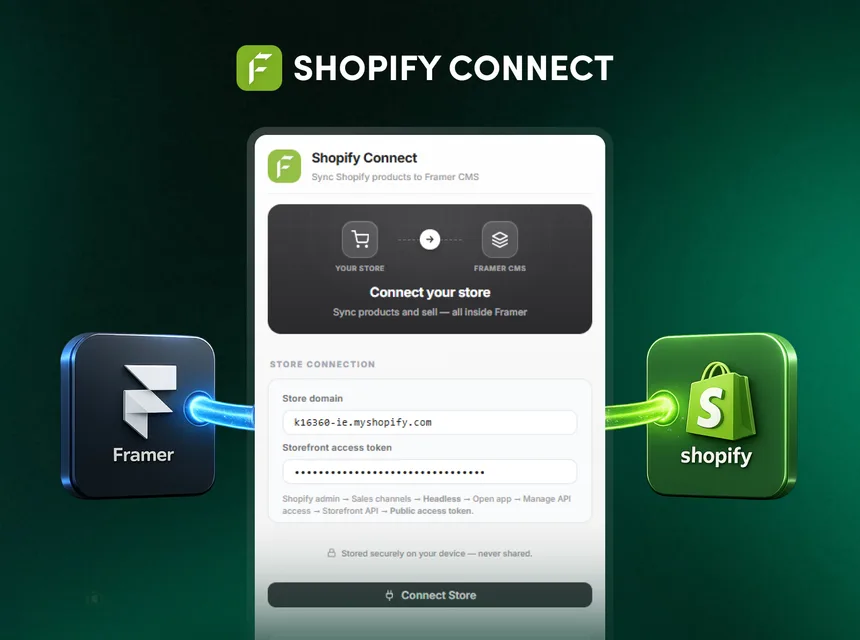
Connect your store
Add your shop domain and a Shopify Storefront API access token. Built as a native Framer plugin and free to use.
Sync or fetch live
Sync products into a Framer CMS collection, or fetch live by handle in API mode. Switch between the two anytime.
Drag & it just works
Drop components onto the canvas. They auto-wire to your store and render real data, right through to checkout.
Live in three steps
Install the plugin
Add Shopify Connect from the Framer Marketplace in one click, free.
Connect Shopify
Enter your shop domain and a Storefront API public access token. In Shopify admin: Sales channels → Headless → Manage → Storefront API → Public access token.
Sync, drag & ship
Sync your catalog into Framer CMS or fetch live, drag components onto the canvas, style them, then publish.
Complete your store

FeCommerce
Sync WooCommerce products into Framer CMS with product and cart components.
Learn more
StripeKit
Sync your Stripe catalog and drop editable Buy Now buttons with auto-generated Payment Links.
Learn more
SEO Toolkit
Live SEO score, on-canvas analyzer, schema, previews and speed audits for Framer.
Learn moreBuild your Shopify store in Framer
Install Shopify Connect free and turn your Shopify catalog into a fully custom Framer storefront.